Keep rules
Every group DuoBolt finds asks the same question: of these copies, which one do you keep? Answering it group by group is fine for twenty groups and hopeless for two thousand.
A keep rule answers it once, in words. Settings → Selection holds an order of rules; DuoBolt reads it top to bottom, and the first rule with an opinion decides. What no rule can tell apart is left alone — nothing is selected on a guess.
Ours, or yours
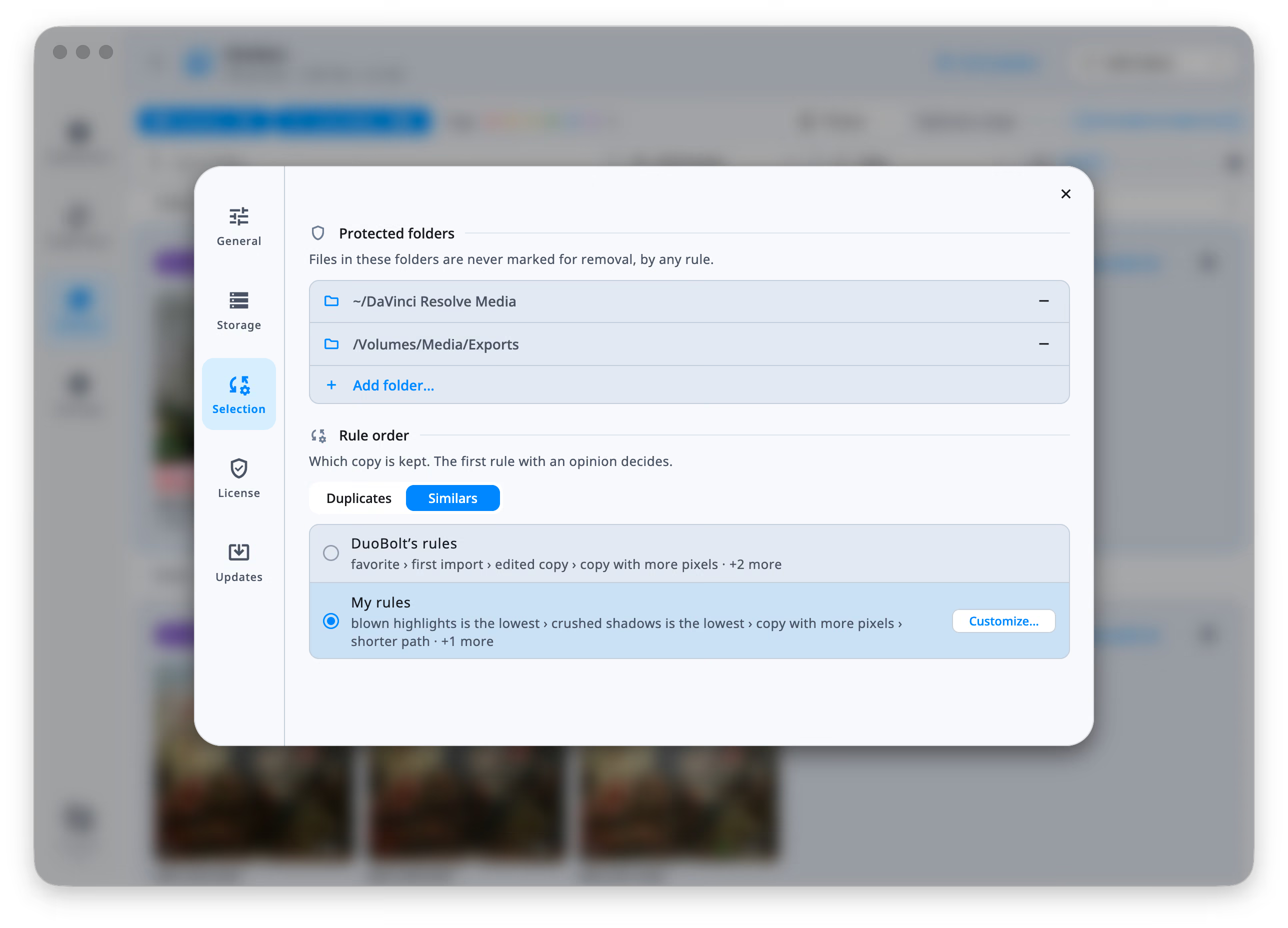
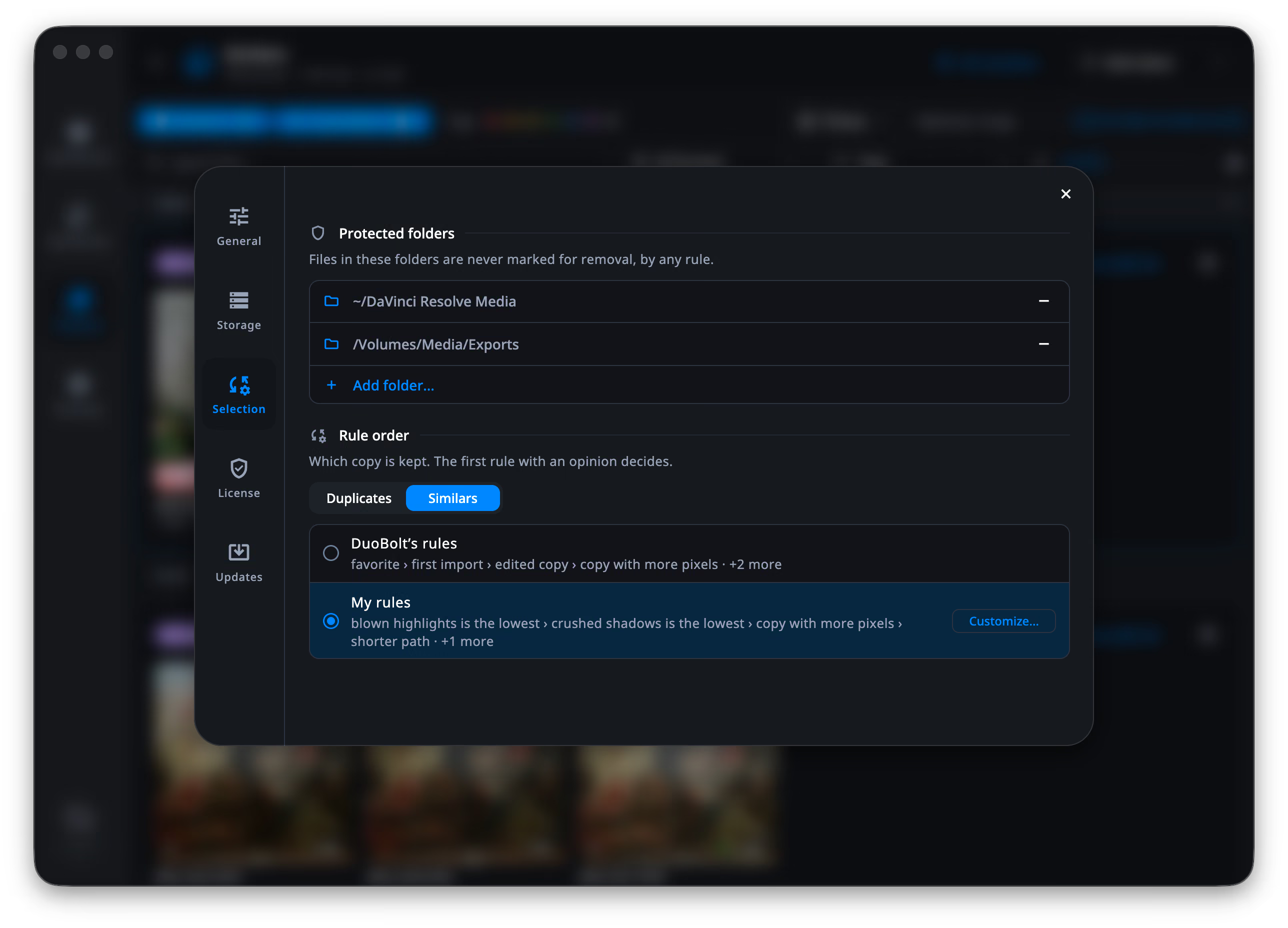
Section titled “Ours, or yours”The section shows what is in force, which is one of two things:
- DuoBolt’s rules — the order we maintain. It means the same thing on every machine and it can change with a release.
- My rules — your own order, edited behind Customize….
The switch above them chooses which finder you are looking at: Duplicates and Similars keep separate orders, because Duplicates compares copies that are byte-for-byte identical, so nothing about the pixels, the format or the metadata can tell them apart; what is left is where a file lives and what it is called. Similars compares different files of the same picture, where all of that decides.
Writing an order
Section titled “Writing an order”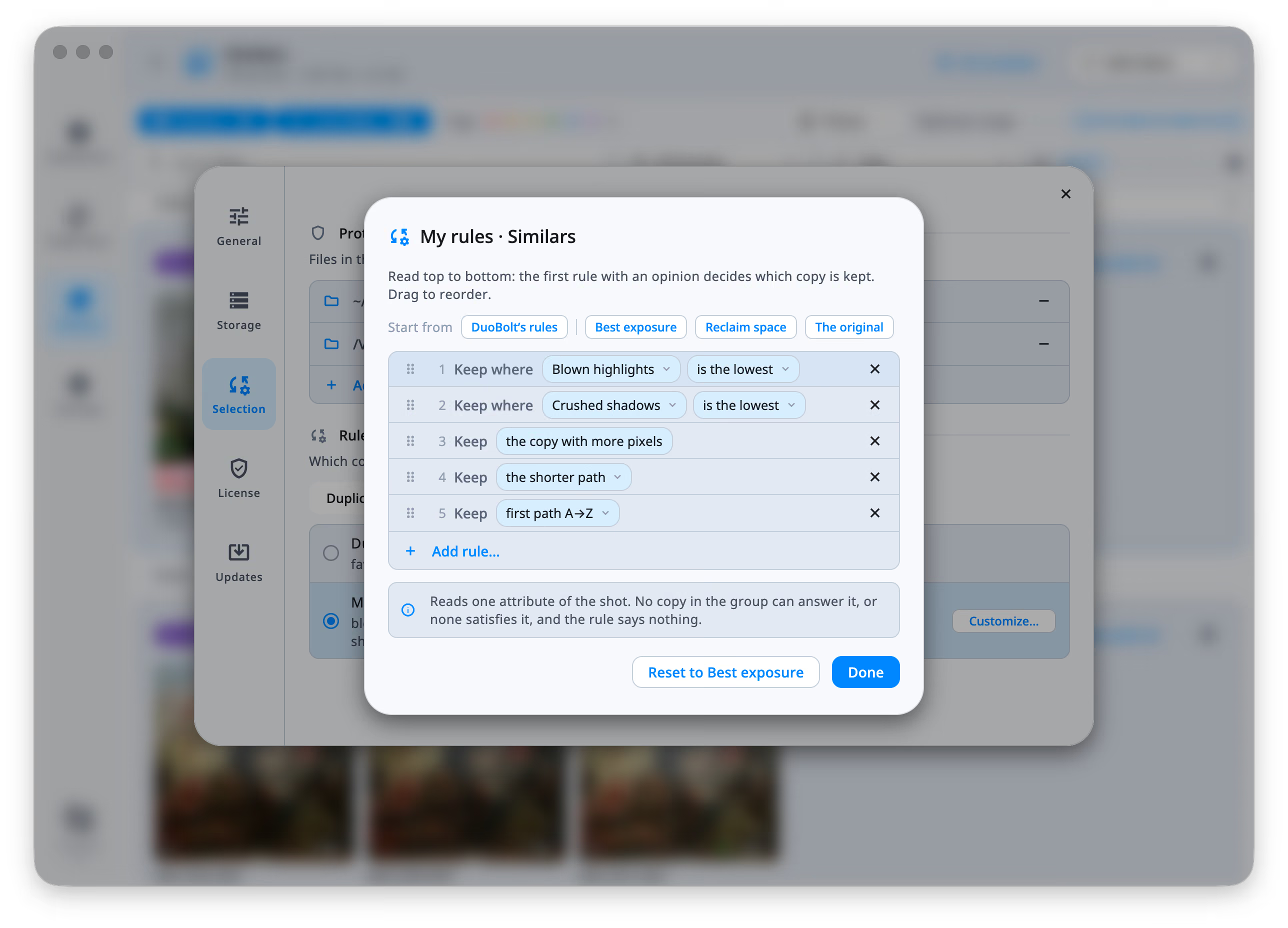
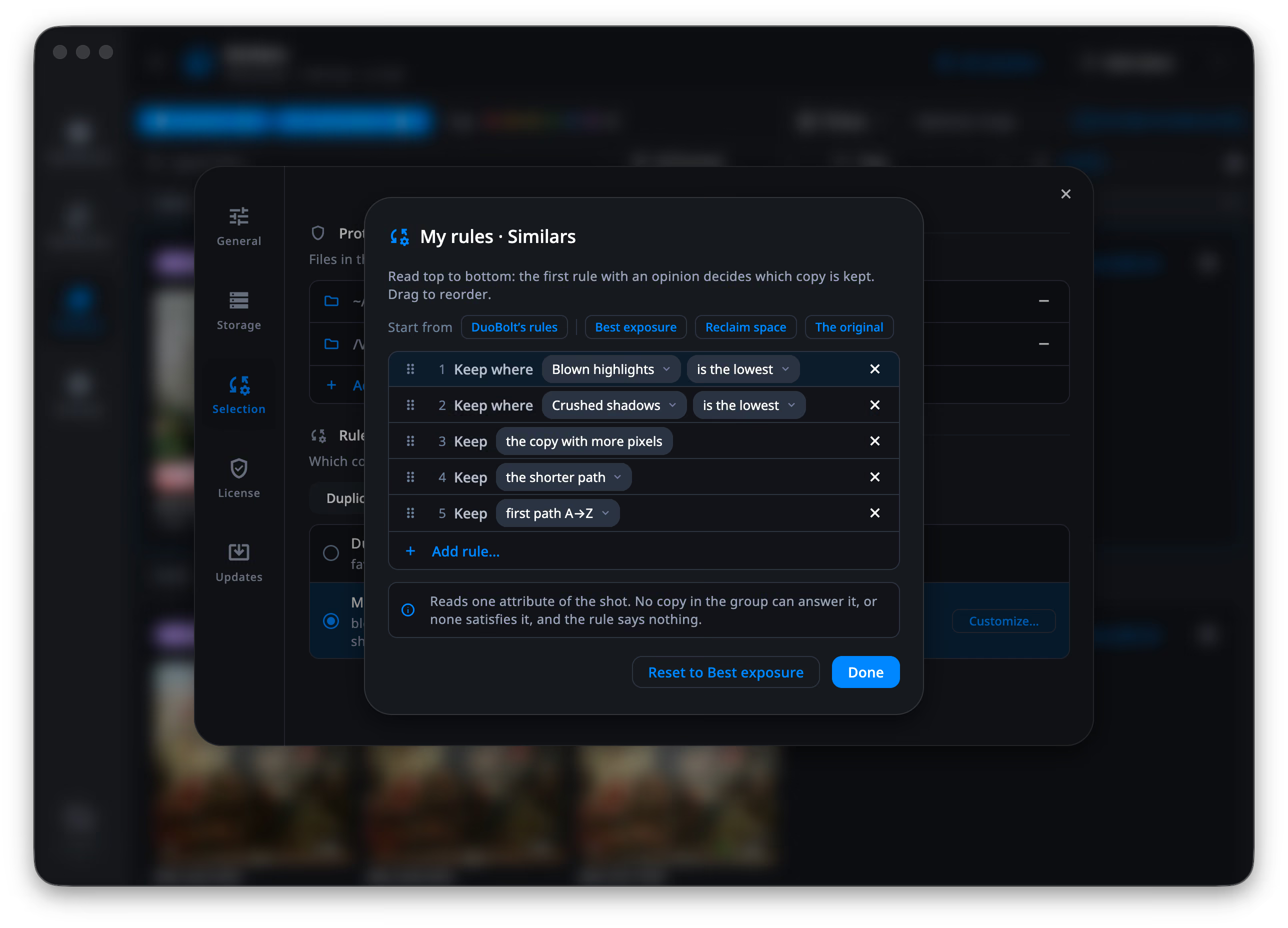
Customize… opens the editor. It starts from one of the named ladders —
DuoBolt’s rules, Best exposure, Reclaim space, The original — and you change it from there:
drag a rule to move it, ✕ to remove it, Add rule… to append one. There is
no Save: the order is in force as you leave.
The strip along the bottom explains the rule under your pointer, in one sentence, so a rule you have not used before does not have to be guessed at.
The rules
Section titled “The rules”Rules about the photo itself, in Similars only — in Duplicates the copies are identical and these could never decide:
- the copy with more pixels — width × height, not bytes. A re-encode at the same size ties; a downscaled export loses.
- the RAW — the negative over the develop. A group with no RAW has no opinion here. This is the rule that clears a RAW + JPEG shoot in one pass.
- the copy that kept its EXIF — a stripped copy is the one that went through a chat app or a web export.
- the favorite, the first import, the edited copy — what the Photos library knows. See The Photos library.
Rules about the file:
- the larger file / the smaller file
- the newer file / the older file — by the date the photo was taken where there is one, not the date the file was written.
Rules about the name and where it lives:
- the name without a copy marker —
copy,copy 2,- Copy (2), a trailing(1). A trailing-1is not treated as a marker: that is how cameras number originals. - the shorter name / the longer name — the last component, not the path.
- the shallower folder / the deeper folder — counted in separators.
- the shorter path / the longer path, first path A→Z / last path A→Z.
- the copy in / the copy outside a folder you name. This one decides only where a group straddles that folder: all inside, or all outside, is no opinion. It is the only rule an order may hold twice.
- protected files — keeps every copy under a protected folder, and has no opinion in a group with none.
Rules that ask about the camera
Section titled “Rules that ask about the camera”Add rule… → EXIF builds a sentence from three parts: an attribute, a comparator and a value.
| Attribute | Asked as |
|---|---|
| Pixels | is the highest / lowest, is over / under, is exactly |
| Format, Color space, Camera | is, is not |
| ISO | is the lowest / highest, is under / over |
| Shutter | is the fastest / slowest, is faster / slower than |
| Aperture | is the widest / narrowest, is wider / narrower than |
| Focal length | is the lowest / highest, is under / over |
| GPS, EXIF | is present, is absent |
| Brightness, Contrast | is the highest / lowest, is over / under |
| Blown highlights, Crushed shadows | is the lowest / highest, is under / over |
Two kinds of question live here, and they behave differently:
- is the lowest / the highest ranks the copies of a group against each other. “Keep where ISO is the lowest” keeps the cleanest frame of whatever that group happens to hold.
- Everything else compares each copy to the value you wrote. “Keep where ISO is under 400” has no opinion in a group where every copy was shot at 1600.
Values are written the way a photographer reads them — 1/250s, f/2.8,
12 MP, 400 — and stored as the scan’s own numbers.
The last four attributes come from the scan’s own measurement of the frame, not from the camera: how bright it is, how much contrast it holds, and how much of it is pinned at pure white or pure black. “Keep where blown highlights is the lowest” is how you say keep the one that is not burnt out.
Running them
Section titled “Running them”- Bulk Select → Keep by my rules, or
⌘R—Ctrl+Ron Windows — over every group on screen. - Right-click a group → Keep by my rules, over that group alone. Like every per-group rule this edits the selection you already have; it does not claim it.
- The order also decides what Review Selection proposes.
Bulk Select ends with Edit my rules…, which opens Settings on this section.