Protected folders
Some folders should never lose a file, whatever a scan says about them: the originals, the client deliverables, the one copy you would not be able to reproduce.
Protect the folder and DuoBolt stops offering. Files inside it cannot be selected, by hand or by rule.
Protecting a folder
Section titled “Protecting a folder”The control sits in the toolbar of both results screens, behind a shield. It
reads Protect Folders… while the list is empty, the folder’s own name when
one is protected, and Protected · {n} when
there are several.
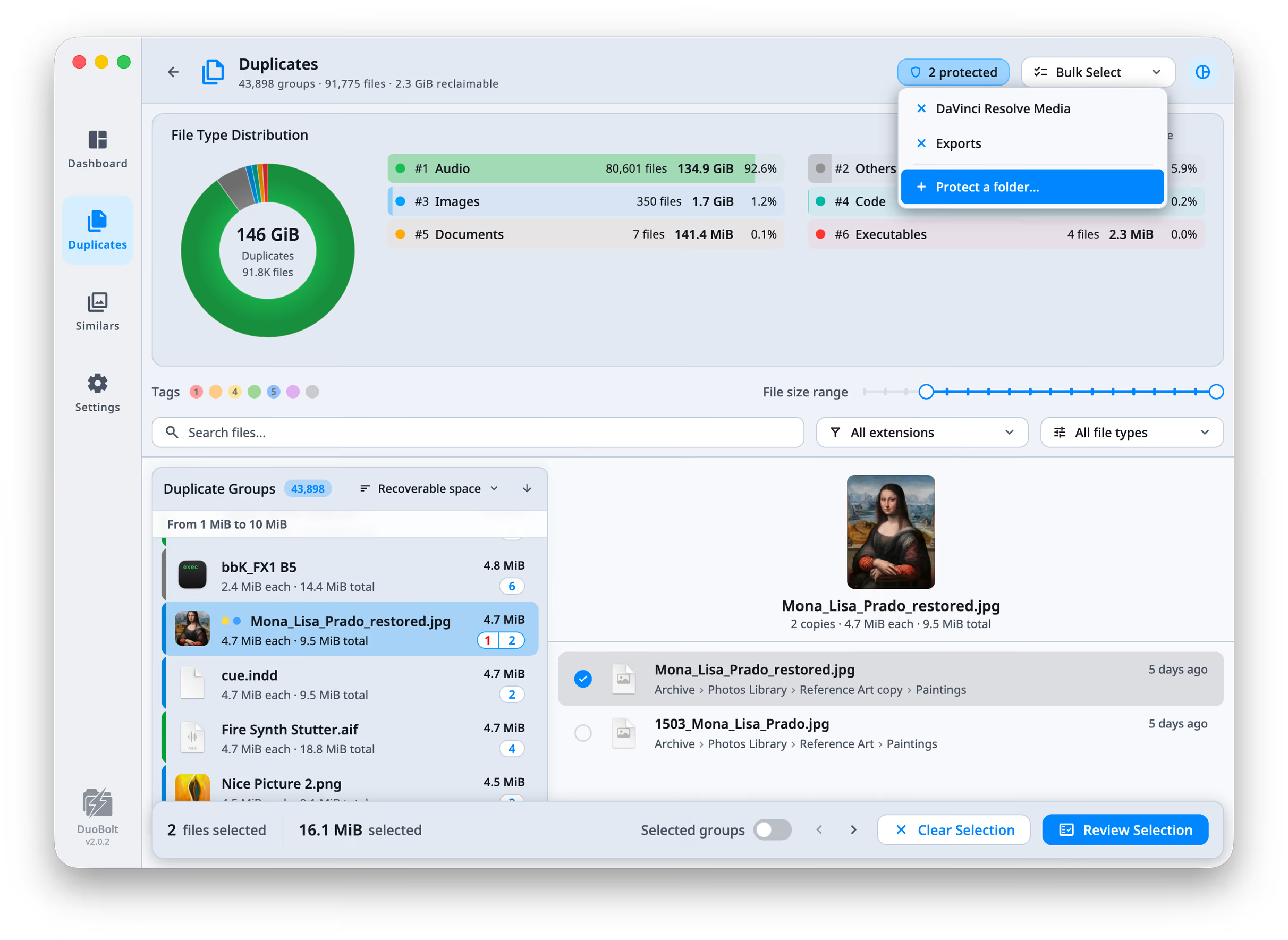
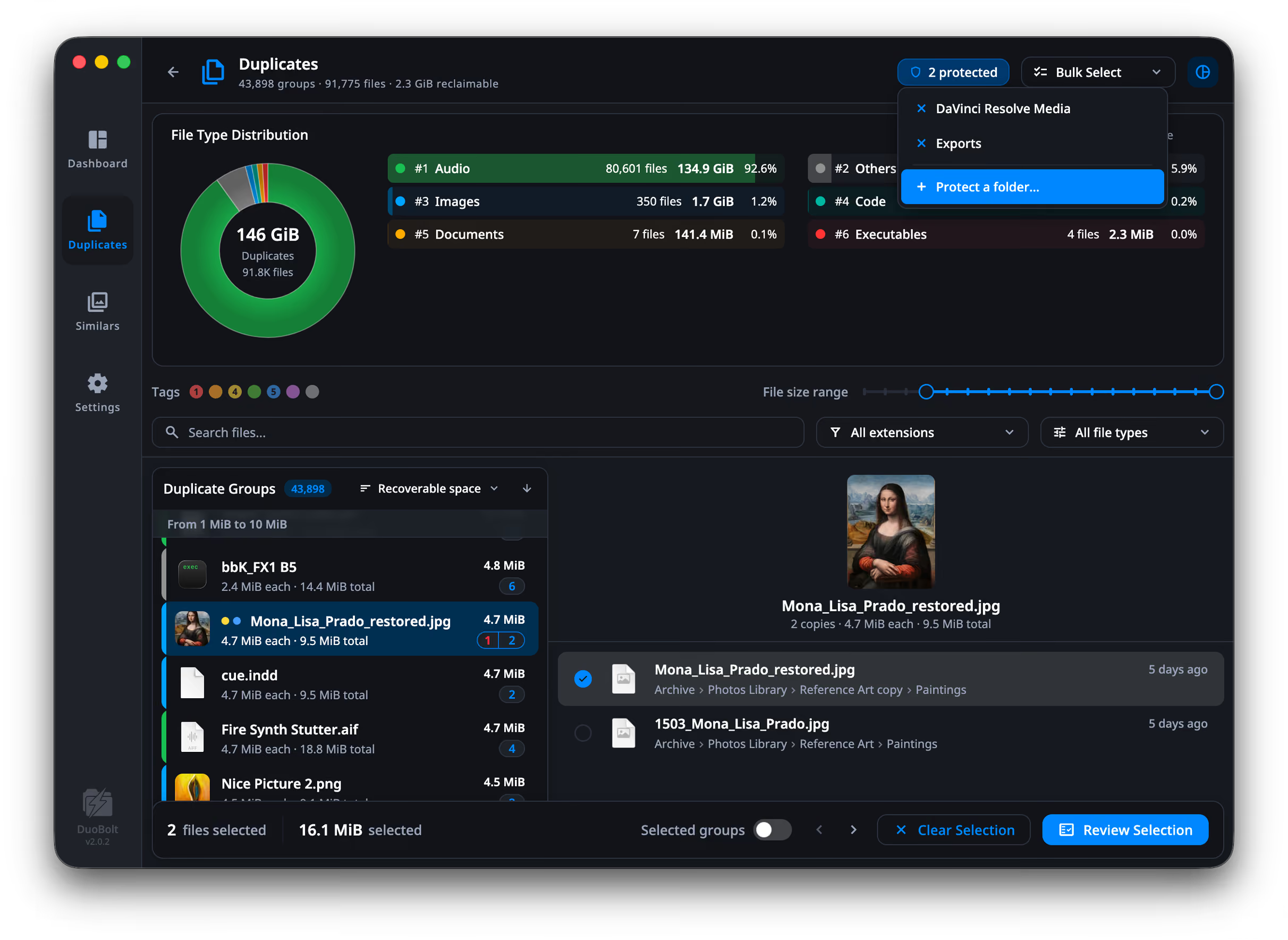
Protection applies to everything below the folder, not just its immediate
contents. Protecting Photos/Originals protects every subfolder under it,
including ones that do not exist yet.
The list keeps itself minimal. Adding a folder already covered by another does nothing; adding one that covers existing entries replaces them.
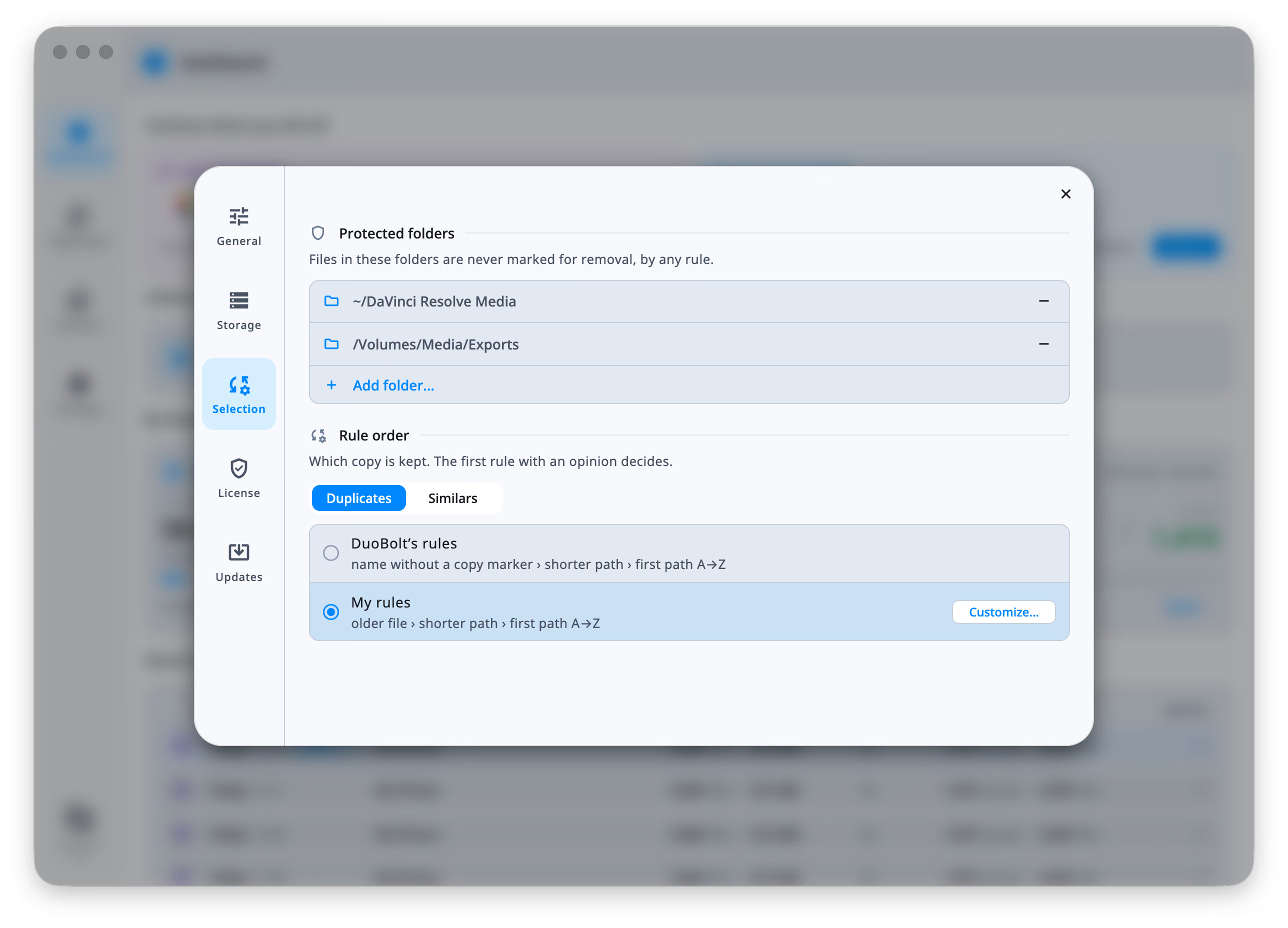
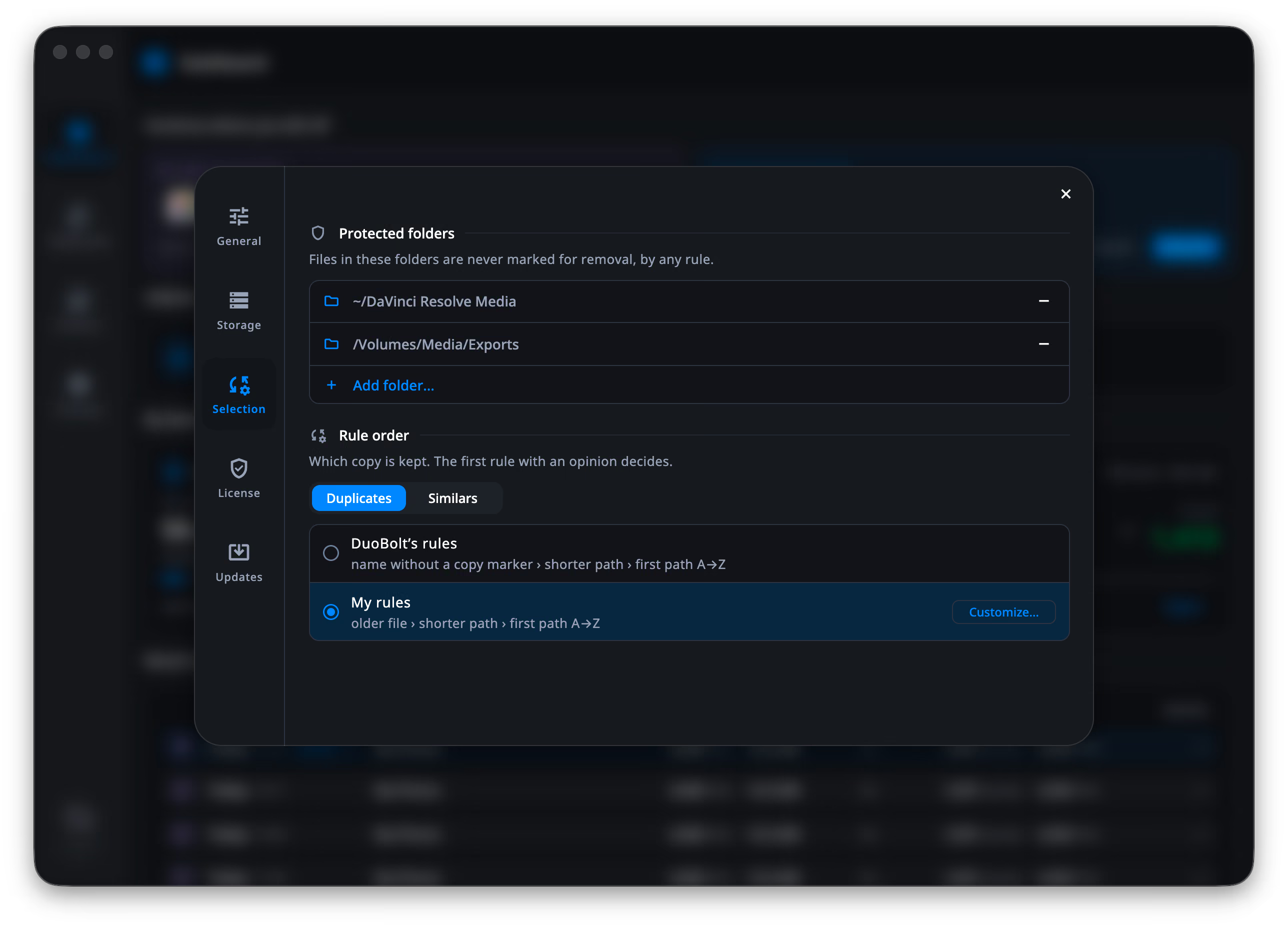
The same list in Settings
Section titled “The same list in Settings”Settings → Selection holds the canonical list, above the keep-rule order. It is the same list the results header opens — a folder added in either place is protected in both, in Duplicates and in Similars.
If it collides with what you have marked
Section titled “If it collides with what you have marked”Protecting a folder that contains files you have already selected is not silent. DuoBolt asks:
Protect this folder? 4 selected files inside “Originals” … and will be deselected.
with Protect & Deselect or Cancel.
What protection actually does
Section titled “What protection actually does”In the results, protected files carry a badge and their checkbox refuses:
In a protected folder — it can never be selected
Where every file in a group is protected, the group says so as a whole:
Every copy is in a protected folder — none can be selected
Bulk rules skip protected files too. Run Keep Newest File across a scan and
the outcome line reports what it left alone — 128 files marked · 12 left protected.
Protection only ever adds survivors
Section titled “Protection only ever adds survivors”A keep-rule marks everything in a group except the file it keeps. Protection removes files from that marking. So “Keep Newest” beside a protected original leaves two files: the newest, and the protected one.
Where the list lives
Section titled “Where the list lives”One list, shared by Duplicates and Similars, kept between scans and between sessions.
Protected, or excluded?
Section titled “Protected, or excluded?”Protection keeps a folder’s files in the results — visible, counted, and impossible to select. If you would rather not see them at all, that is a different control: Excluded folders, on the setup screen, keeps the scan out of a folder entirely.