Comparing two photos
Two copies of one photograph are rarely identical, and what separates them is usually small: a little sharper, a little brighter, one of them cropped or re-encoded. Looking at them one after another compares your memory of the first with the second. The preview compares them in place.
This page is the reference: every key, every readout. For why the comparison is shaped this way, see comparing two photos side by side.
The curtain
Section titled “The curtain”Open a photo in the preview and press C. The frame becomes a curtain: one copy
on the left of the line, the other on the right, at the same fit, zoom and
position. Drag the line across and the two swap under it.
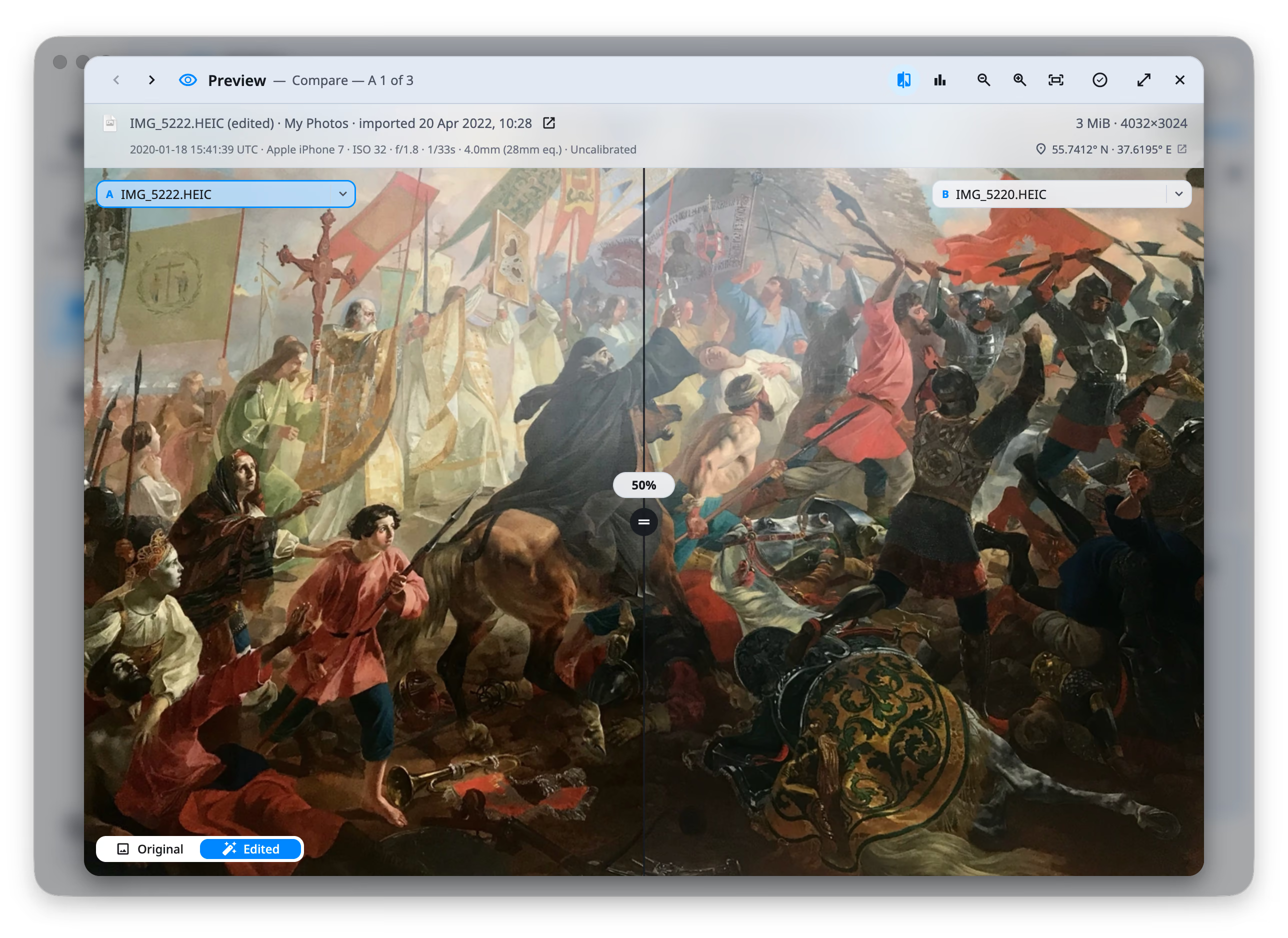
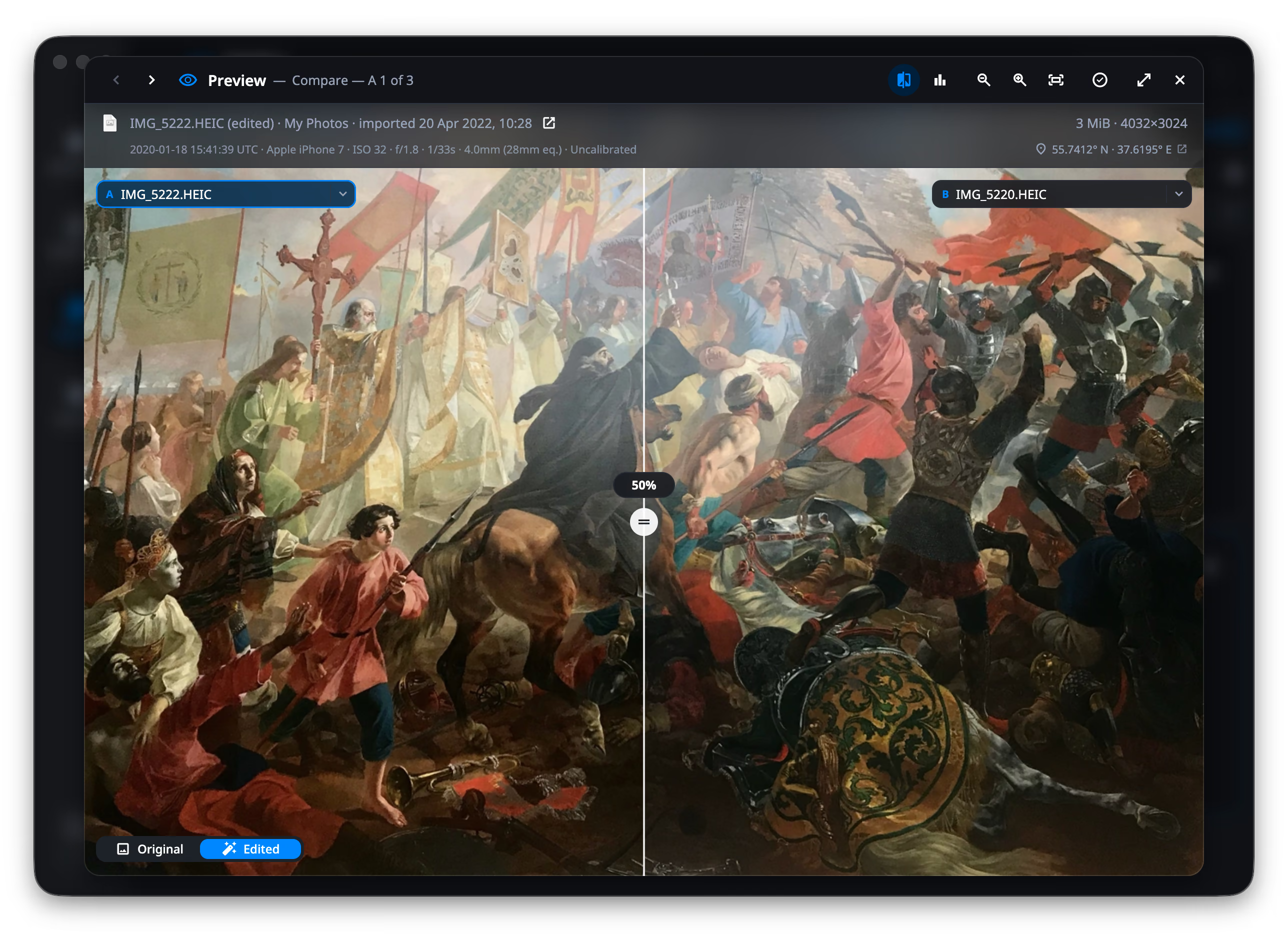
A curtain rather than two panes: the copies are nearly the same picture, so splitting the screen halves each of them and makes the eye travel — which is exactly where a small difference stops being visible.
C |
Open and close the curtain |
| Drag, or ⇧← / ⇧→ | Move the line |
| Double-click, or right-click → Reset to the middle | Back to 50% |
| ⇧ while dragging | Snap to 5% steps |
A / B |
Choose which side the panels are about |
X |
Swap the two copies |
| ← / → , or the header chevrons | Walk the chosen side through the group |
The chips at the top corners name the two copies. In a Photos library every copy of an asset carries the same name, so each chip also states what tells them apart — how many megapixels, how large, whether it is an edit or a RAW. Click a chip to make that side the one the panels read; click its chevron to put a different copy of the group in that slot. Choosing the copy the other side already holds swaps them rather than showing one photo twice.
Dragging anywhere away from the line pans both copies together, so a detail you zoomed into stays framed while you wipe across it.
The histogram
Section titled “The histogram”H opens it over the picture, bottom right.
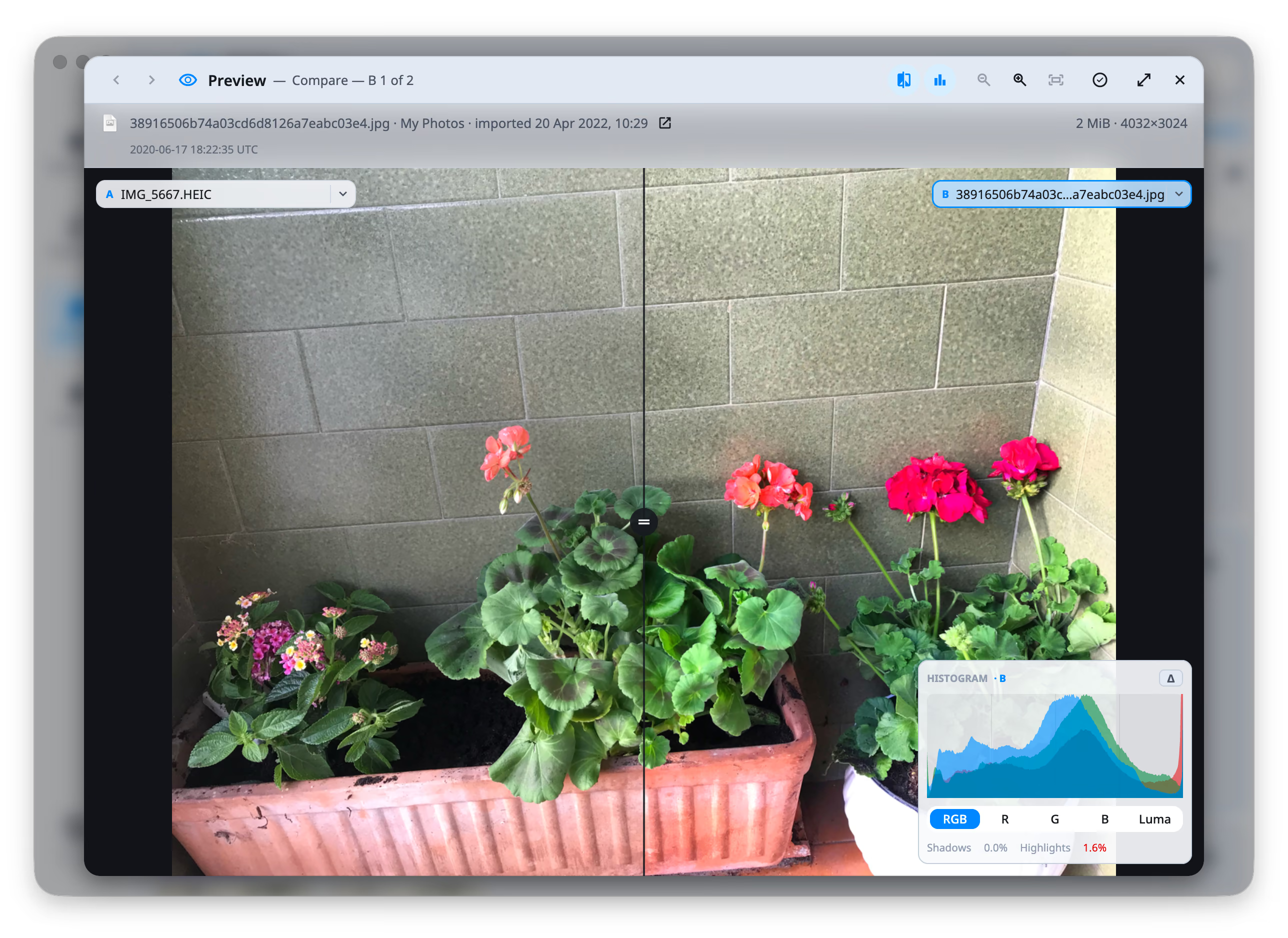
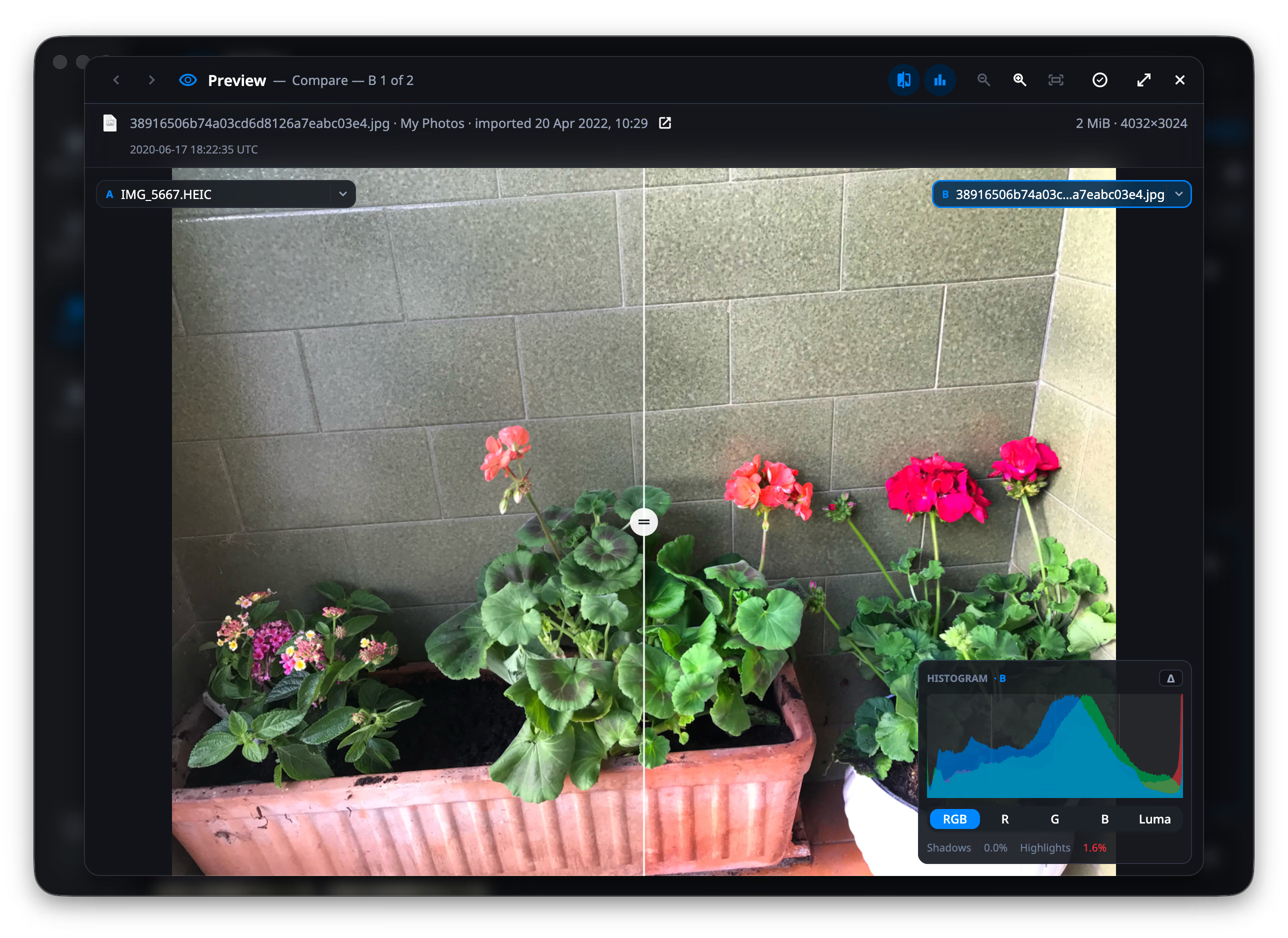
- RGB draws the three channels over each other, as photo editors usually do: where they agree the overlap goes white, and that is the reading.
- R, G, B draw one channel alone.
- Luma draws luminance — Rec. 709, over the values as they are stored.
- Shadows and Highlights state how much of the picture is pinned at pure black and at pure white. Over 1% turns red: that share is not detail any more, it is a flat patch.
The curve is scaled to the 99th percentile of the bins it occupies rather than to its tallest, so one blown sky does not flatten everything else into the floor.
Comparing the light
Section titled “Comparing the light”With the curtain open, Δ in the panel’s corner lays the other copy’s curve
over this one’s, as a stroke over the fill. The caption says which side you are
reading — HISTOGRAM · A vs B.
Both sides are always drawn as the same measurement: comparing switches the
blended view to Luma, because three channels of one picture under a single
curve of another is two different quantities on one plot. R, G and B are
still a click away, and there each side is that same channel.
What you are looking at
Section titled “What you are looking at”The preview decodes at full fidelity. A RAW is developed rather than read from the small JPEG the camera wrote inside it, and a HEIC is decoded rather than served from its embedded thumbnail — which is what the grid uses, where at a hundred tiles at once the thumbnail is enough.
A photo that has more than one version — JPEG and RAW, original and edit —
shows a switch at the bottom left. O cycles, 1 2 3 pick one, and the
file line at the top follows what you are looking at, size included.