Clean duplicate files with confidence
DuoBolt is a desktop app that finds exact duplicate files and lets you review results clearly before deleting anything.
Safe cleanup without surprises
See exactly what will be removed before you click Delete. DuoBolt keeps every change reversible and under your control.
Review before you delete
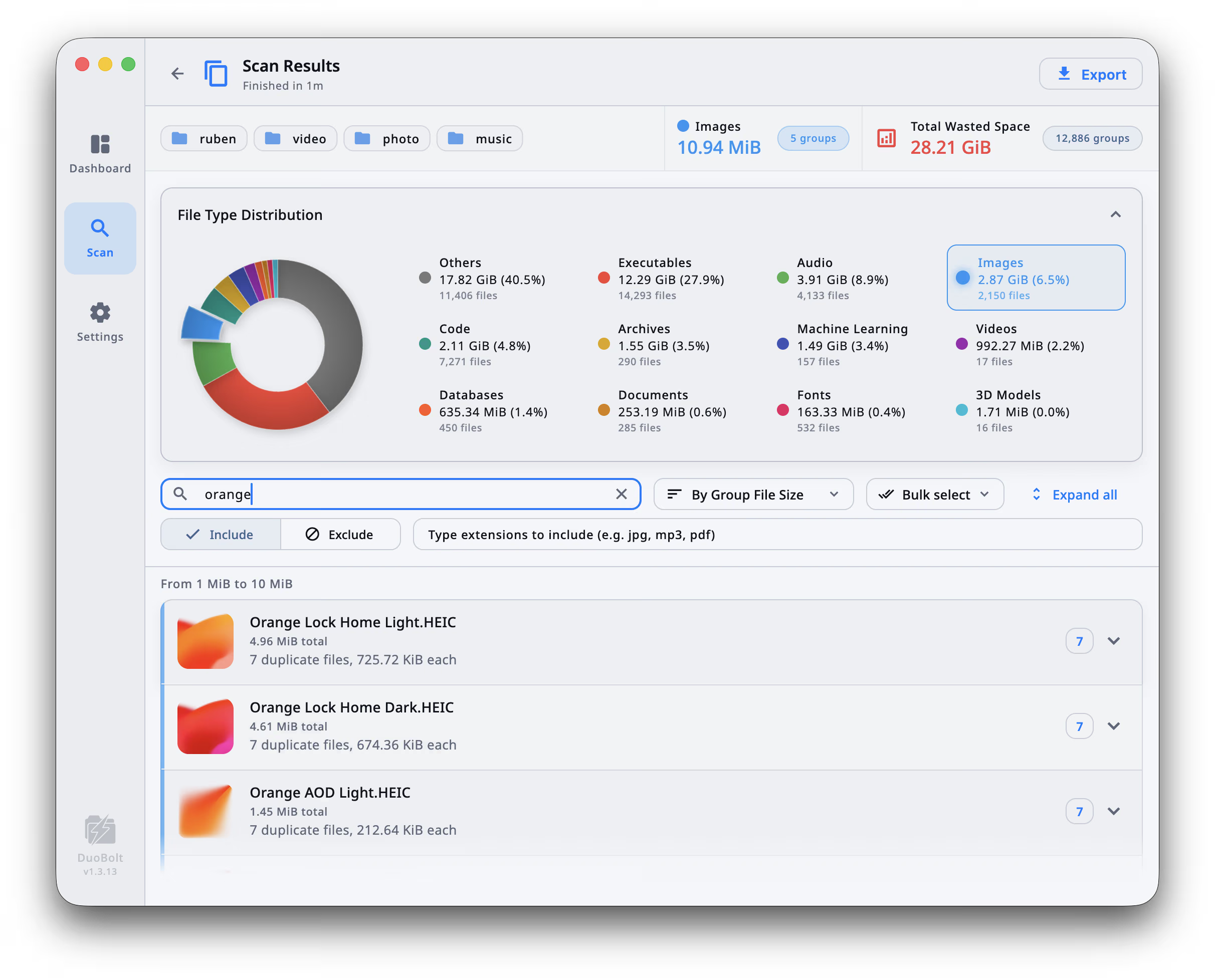
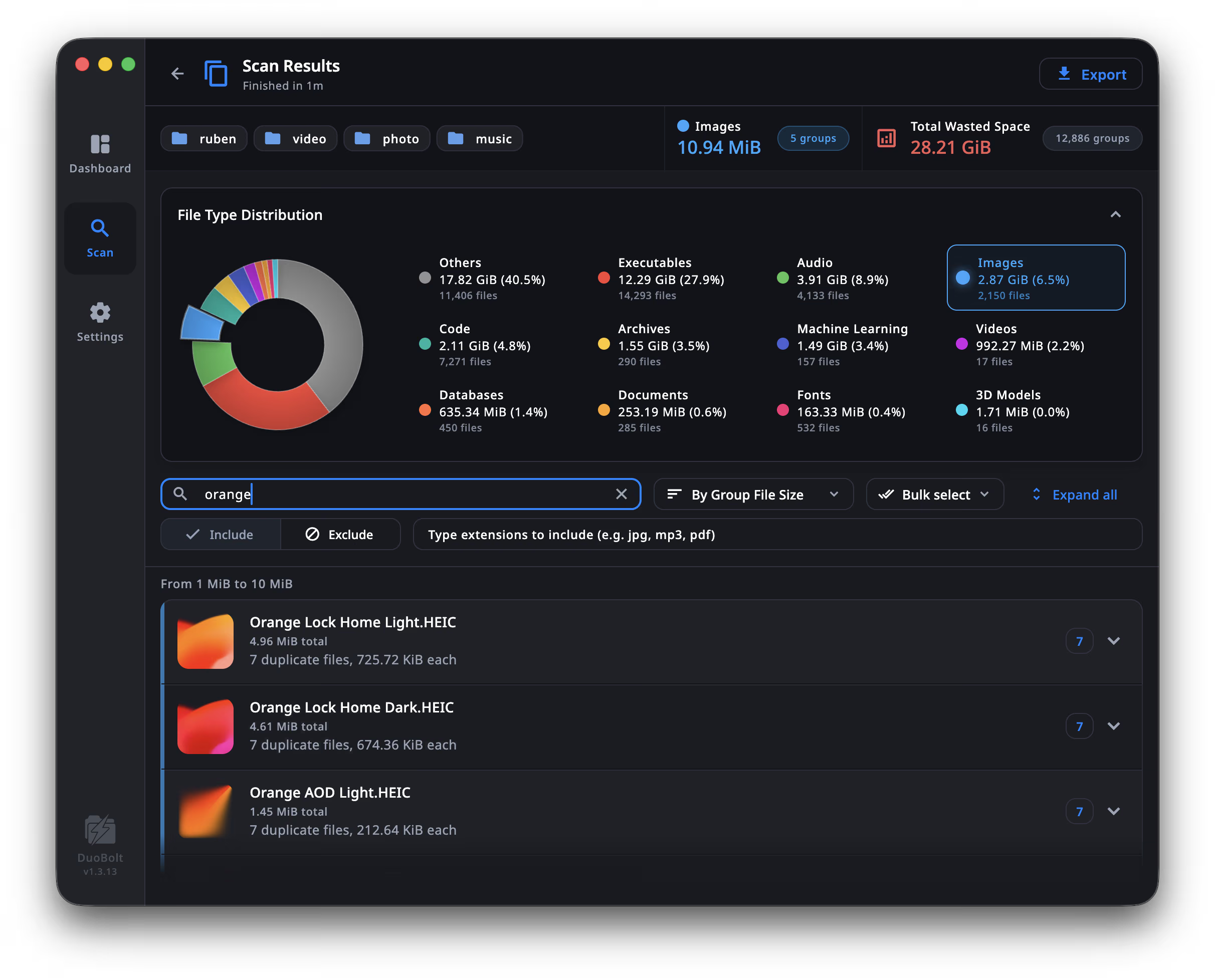
Every duplicate is grouped with its originals so you can see paths, sizes and previews at a glance.
Always via system Trash
Deleted files go to the Recycle Bin / Trash, so you can restore anything if you change your mind.
Smart suggestions, not blind automation
Use Bulk select to pre-select likely candidates, then confirm with a single click.
Works with your disks
Internal drives, external SSDs and USB disks are all supported with the same safe workflow.
Fast on real data, not just benchmarks
Up to ~20× on local files, ~1.2–1.4× on NAS volumes
Real runs against Czkawka, dupeGuru, and Gemini 2 on code, design, and NAS datasets. DuoBolt finishes jobs where other tools slow down or time out.
Gemini 2 was run in duplicates-only mode (similar detection disabled). dupeGuru and Gemini 2 timed out on NAS; Gemini 2 couldn't scan Library. Caches were cleared between runs.
Why these results hold up
Each dataset was scanned back-to-back on the same machine with identical include/exclude rules. DuoBolt's engine keeps all CPU cores busy with two-stage BLAKE3 hashing; competitors process files more sequentially.
- Per-root parallelism and BLAKE3 worker hashing keep multiple CPU cores busy instead of going file by file.
- Streaming, chunked reads overlap disk/NAS I/O with hashing, hiding latency on slower disks or remote drives.
- Desktop and CLI share the same engine, so the UI inherits the performance gains without losing byte-perfect accuracy.
- Chunked scan stages overlap hashing and comparison so CPUs never sit idle waiting for I/O, keeping throughput high even on NAS.
A clear workflow from scan to cleanup
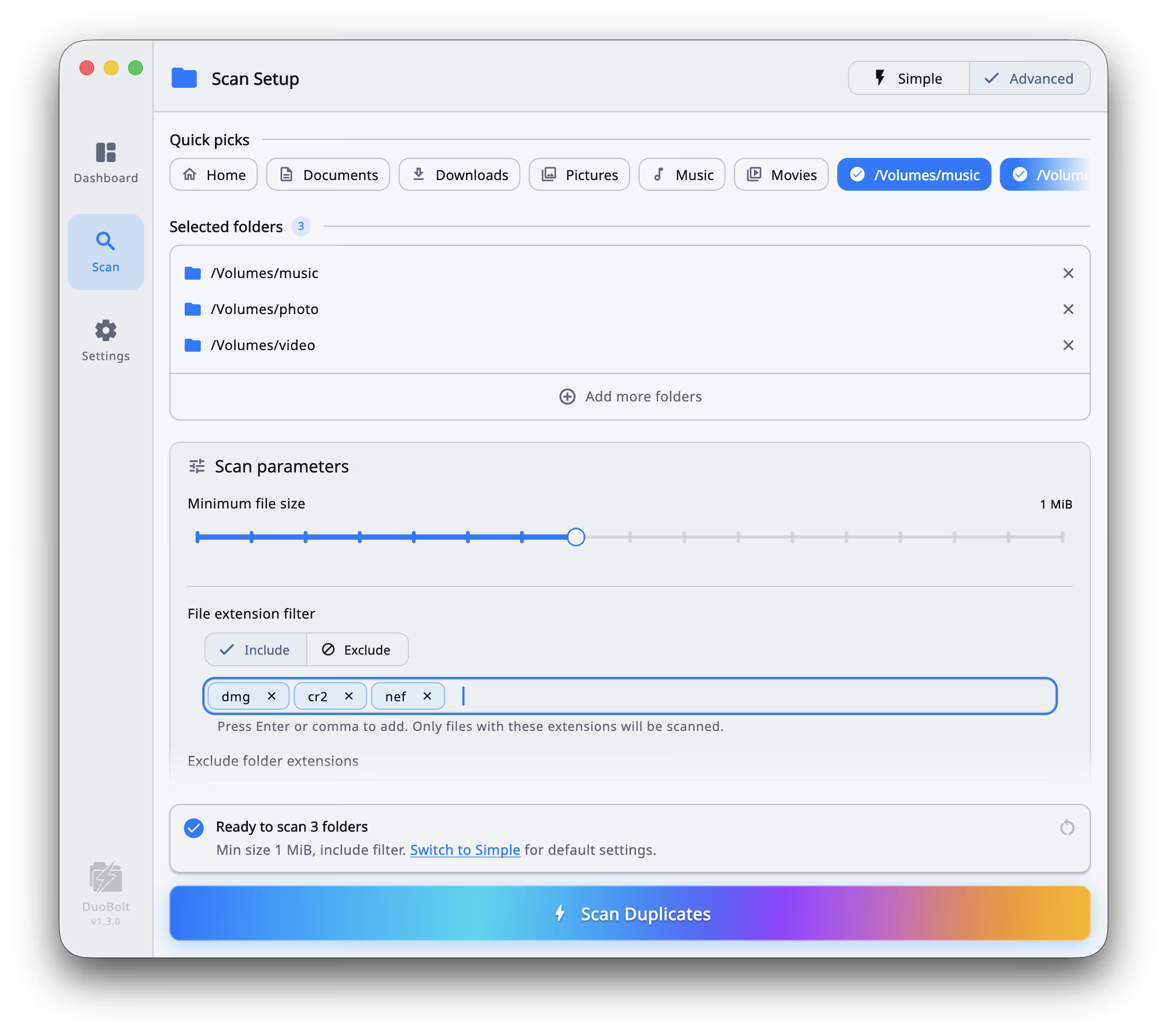
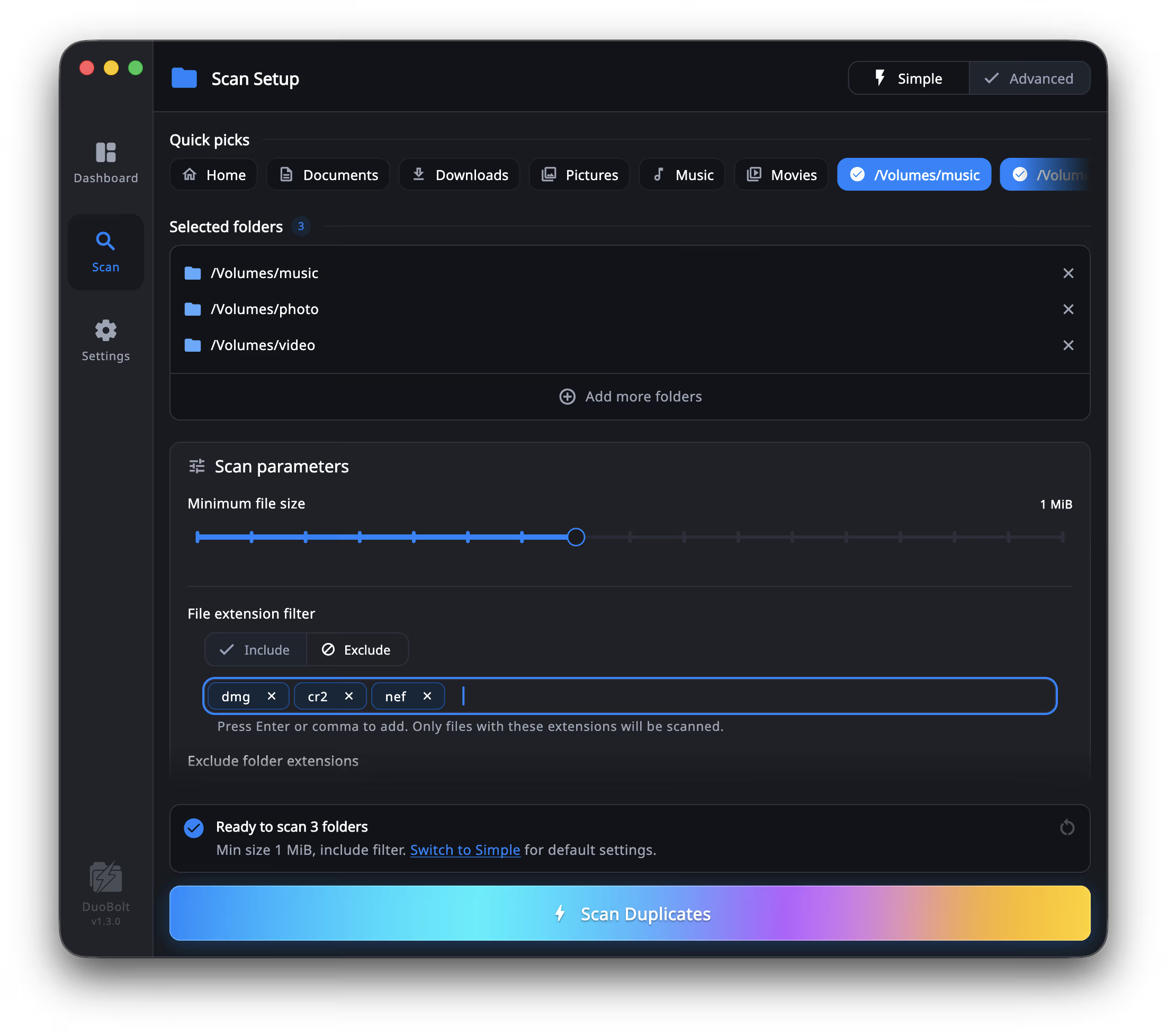
See every step before you commitDuoBolt guides you through the whole process: choose where to scan, review duplicates with full context, and keep a record of what you've cleaned so you can come back later with confidence.
Built for people with real storage problems
Whether you're a photographer drowning in RAW exports, a developer with dozens of cloned repos, or a NAS user with years of accumulated media — DuoBolt finds what's identical and lets you clean up safely.
Photographers
Years of SD card imports, Lightroom exports, and backup copies leave RAW and JPEG libraries full of exact duplicates. DuoBolt hashes every file byte-for-byte — no false positives, no guessing — so you can reclaim hundreds of gigabytes without touching a single original.
See the Desktop workflowDevelopers
Cloned repos, node_modules copies, archived build artifacts, and forgotten project backups accumulate fast. DuoBolt's CLI scans a 38 GB codebase in 3 seconds and outputs JSON or CSV — ready to plug into any cleanup script or CI pipeline.
Explore the CLINAS & home server users
Media libraries on Synology, QNAP, or any network drive grow over time with duplicate movies, photos, and music from multiple devices. DuoBolt scans a full terabyte of NAS data in under 90 seconds even on cold, spun-down disks.
See the NAS guideFind duplicate files anywhere they pile up
Same engine, same accuracy, every storage type. Pick the surface you're cleaning up and DuoBolt walks you through it without guesswork.
Every format, one dedupe engine
From RAW photo journals to dusty DMGs, DuoBolt hashes everything byte-for-byte. No plug-ins, no guessing — just brutal honesty about what files are identical across your messiest drives.
PNG
Design exports
PSD
Photoshop masters
JPG
Client renders
TIFF
Print proofs
RAW
Camera originals
AVI
Legacy footage
MOV
4K shoots
MP4
Social edits
WAV
Multitrack stems
PNG
Design exports
PSD
Photoshop masters
JPG
Client renders
TIFF
Print proofs
RAW
Camera originals
AVI
Legacy footage
MOV
4K shoots
MP4
Social edits
WAV
Multitrack stems
PNG
Design exports
PSD
Photoshop masters
JPG
Client renders
TIFF
Print proofs
RAW
Camera originals
AVI
Legacy footage
MOV
4K shoots
MP4
Social edits
WAV
Multitrack stems
PNG
Design exports
PSD
Photoshop masters
JPG
Client renders
TIFF
Print proofs
RAW
Camera originals
AVI
Legacy footage
MOV
4K shoots
MP4
Social edits
WAV
Multitrack stems
FLAC
Lossless mixes
Contracts & decks
DOCX
Briefs
XLSX
Cost sheets
PPTX
Pitch slides
ZIP
Archives
DMG
Mac installers
ISO
Disk images
APK
App builds
FLAC
Lossless mixes
Contracts & decks
DOCX
Briefs
XLSX
Cost sheets
PPTX
Pitch slides
ZIP
Archives
DMG
Mac installers
ISO
Disk images
APK
App builds
FLAC
Lossless mixes
Contracts & decks
DOCX
Briefs
XLSX
Cost sheets
PPTX
Pitch slides
ZIP
Archives
DMG
Mac installers
ISO
Disk images
APK
App builds
FLAC
Lossless mixes
Contracts & decks
DOCX
Briefs
XLSX
Cost sheets
PPTX
Pitch slides
ZIP
Archives
DMG
Mac installers
ISO
Disk images
APK
App builds