Reading the results
The Photos library
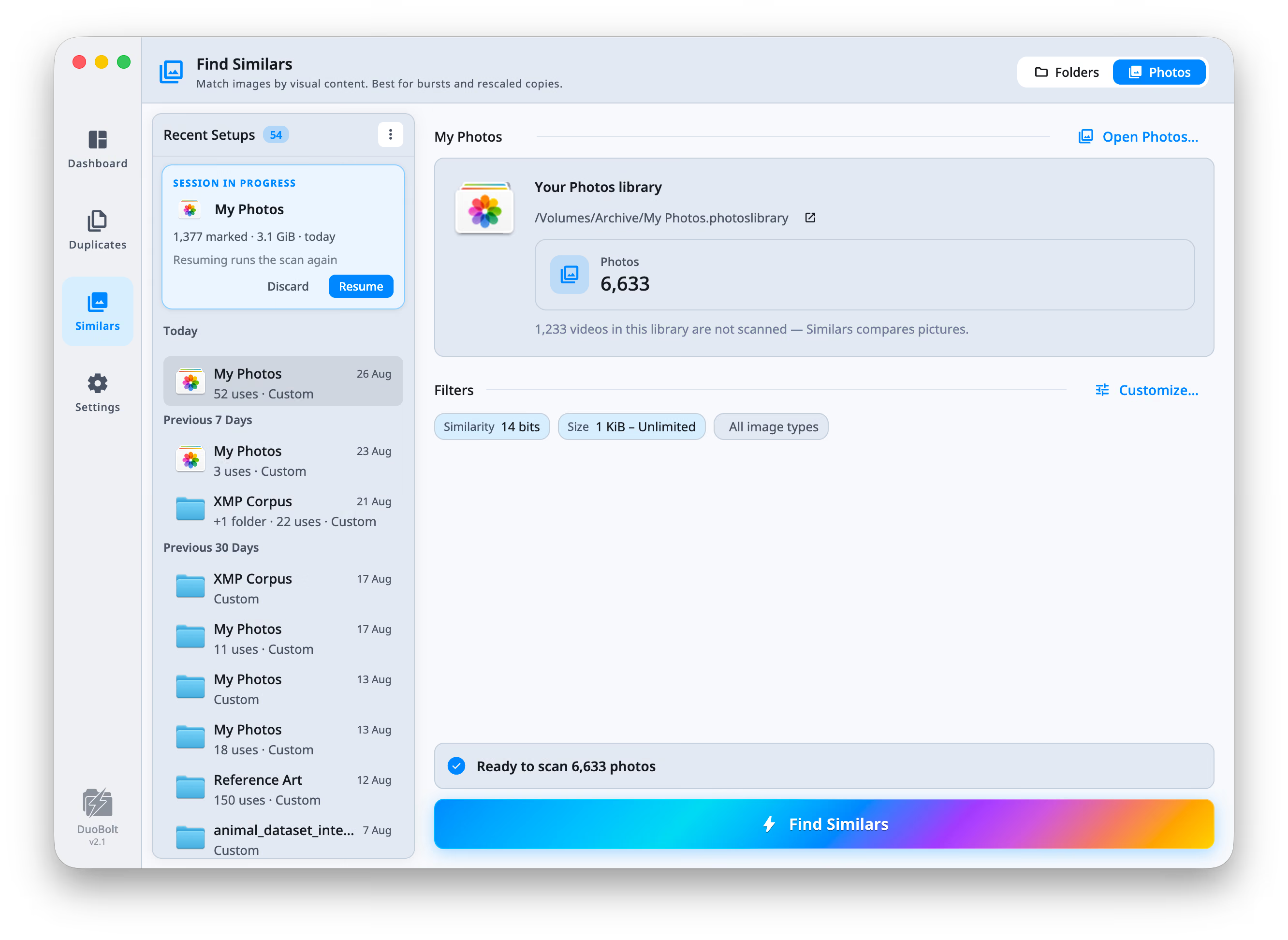
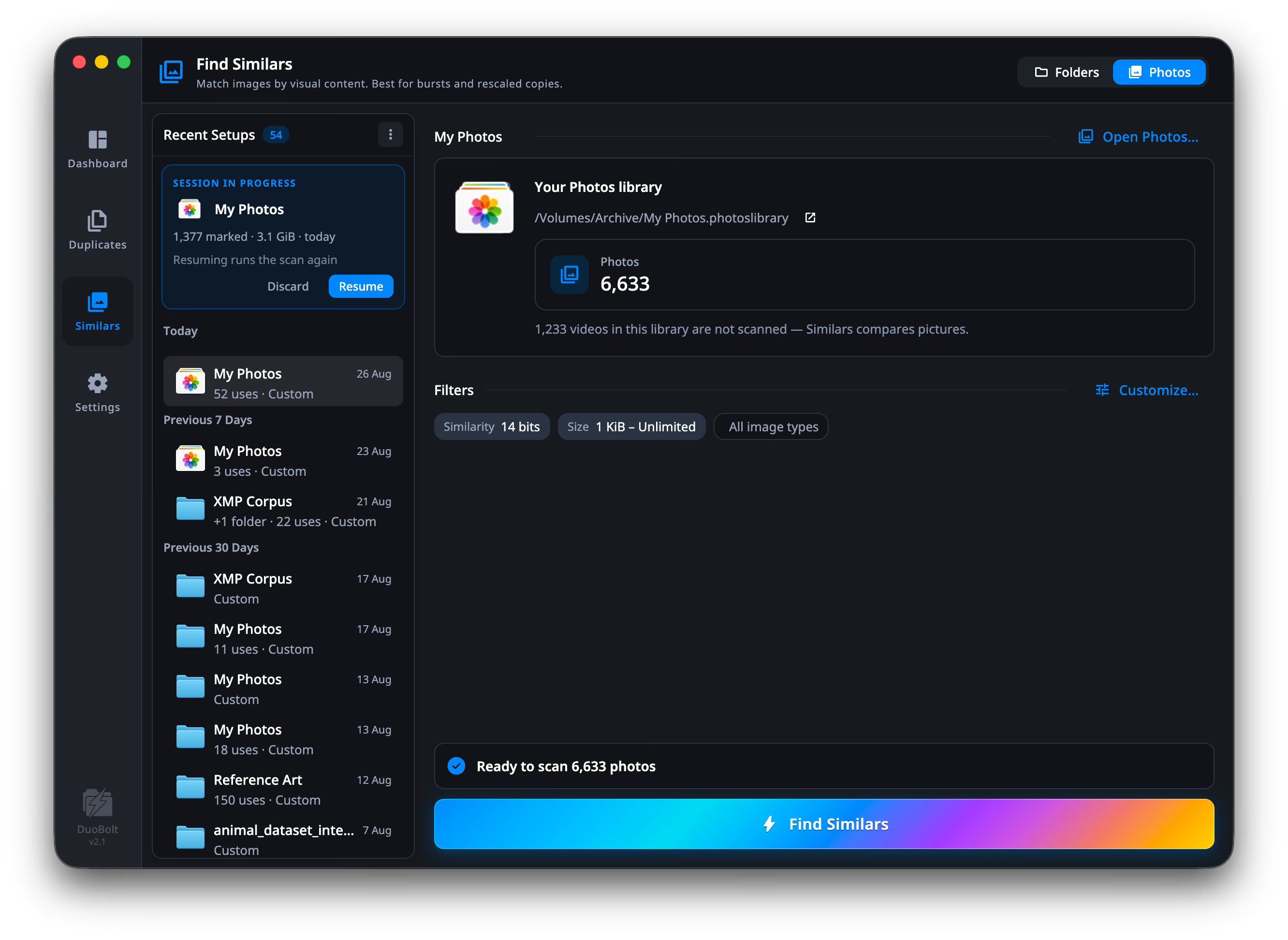
Similars can scan your Photos library the way it scans a folder: pick Photos instead of Folders at the top of the setup screen, and DuoBolt reads the library itself. Nothing is exported and nothing is copied. What it finds is shown by the names Photos uses, explained with what Photos knows about each photo, and removed the way Photos removes.
The setup names the library it will scan, with its path, and Open Photos… opens that library in Photos — the one DuoBolt is reading, which matters if you keep more than one.
This is a macOS feature. On Windows, Similars scans folders.
What goes in
Section titled “What goes in”Every photo whose original is on this Mac. Videos are not part of a similars scan, and a photo that only lives in iCloud — the library set to optimize storage, the original not downloaded — is set aside and counted, never guessed at from its thumbnail. The setup screen and the results header say how many.
The first scan asks for access to Photos, then walks the whole library. Every scan after that asks Photos what changed since and looks only at that, so an untouched library costs one question.
If there is no photo library on this Mac — Photos has never been opened, or never had anything put in it — the setup says that rather than counting forever, and folder scanning carries on as usual. A library that exists and is empty says its own version of the same thing.
What a tile says
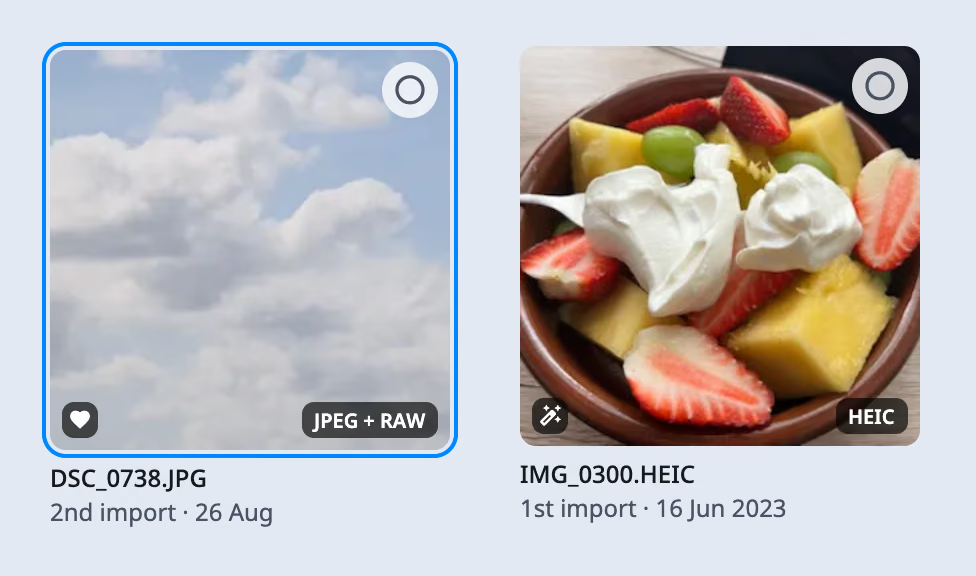
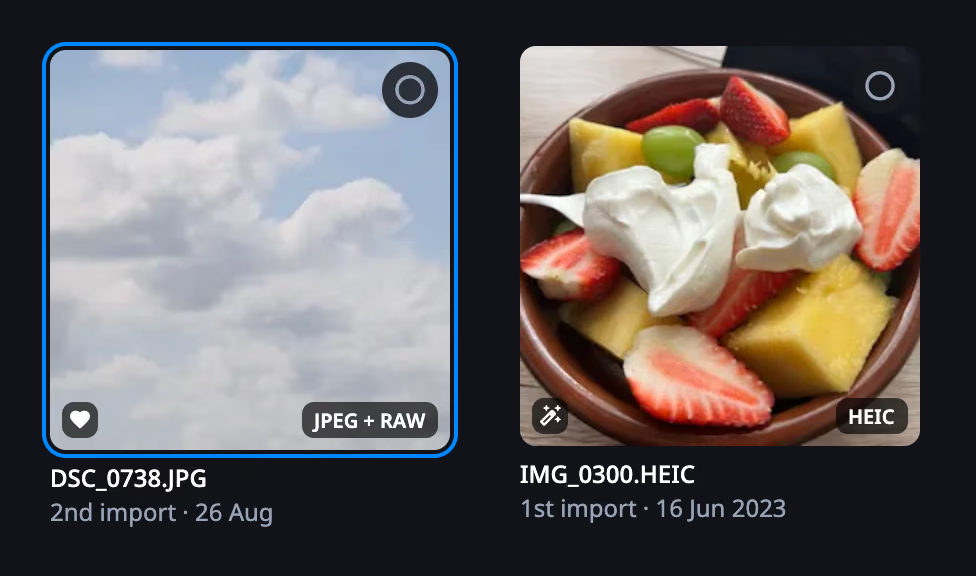
Section titled “What a tile says”Photos names its photos IMG_0042.HEIC; the library keeps them under a UUID.
DuoBolt shows the name you know — on the tile, in the preview, in the review
and in the removal report — and never the file underneath.
Each tile also states what Photos knows about the photo:
- The import date, in a group of identical copies — where size and pixels would read the same on every tile. When the same photo was imported more than once, each copy says which import it came from: 1st import · 16 Jun 2023, 2nd import · 3 Aug 2025. Elsewhere the line under the name gives the size and the pixels.
- A heart for a favorite, a wand for a photo you edited.
- JPEG + RAW for a pair. In the library the two are one photo, and removing it removes both.
An edited photo is shown as the edit — the picture you made — while the scan compared the original, which is what the edit was made from. The preview lets you see both, and the RAW: see looking closer.
The inspector beside the grid (⌥+⌘+I) says more about the photo under the cursor: its histogram, the file, the camera, lens and exposure, where it was taken, and what Photos adds — whether it is a favorite, its rating and its tags. Against compares it with another copy of the group in pixels, size and when each was taken.
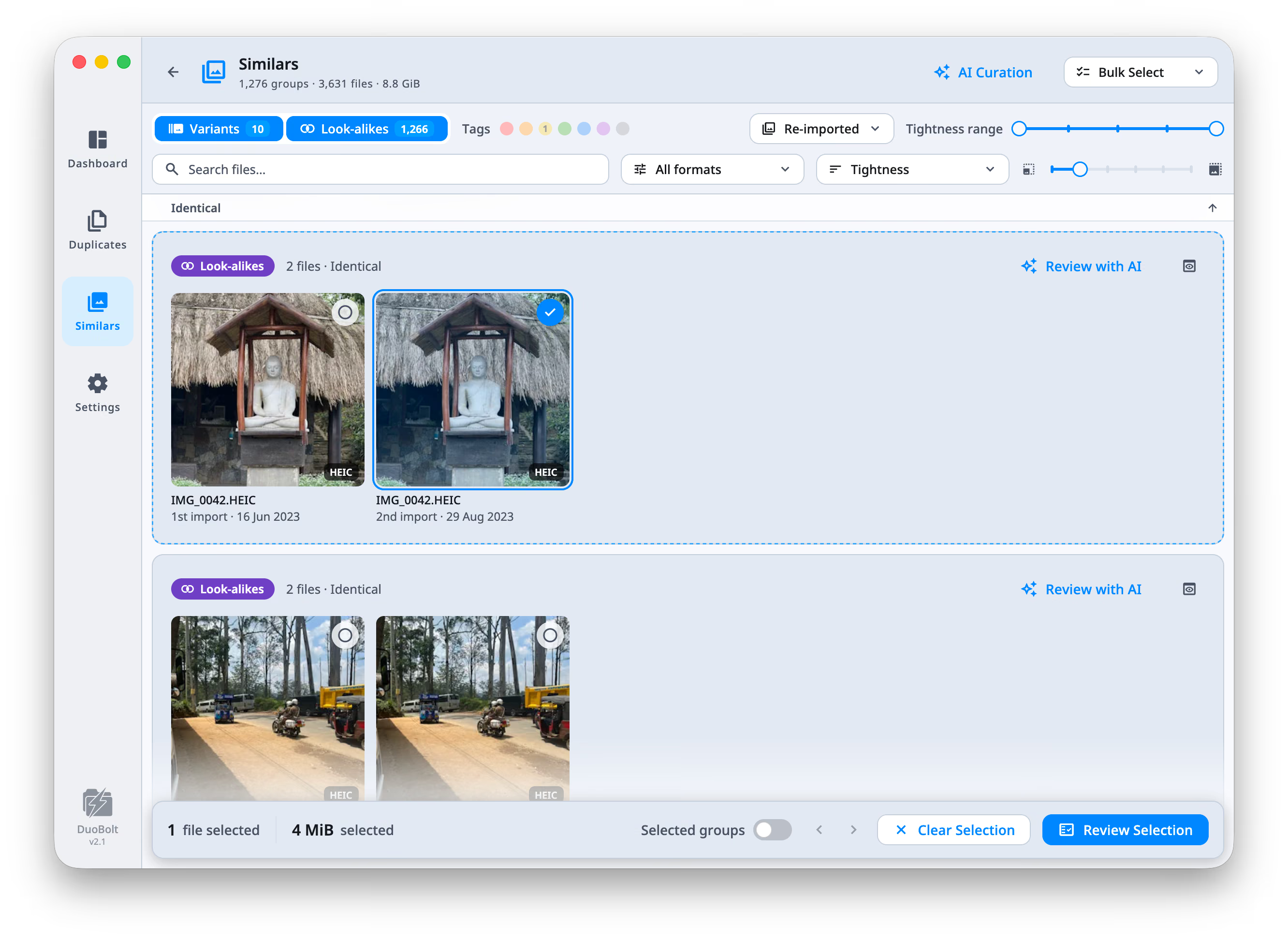
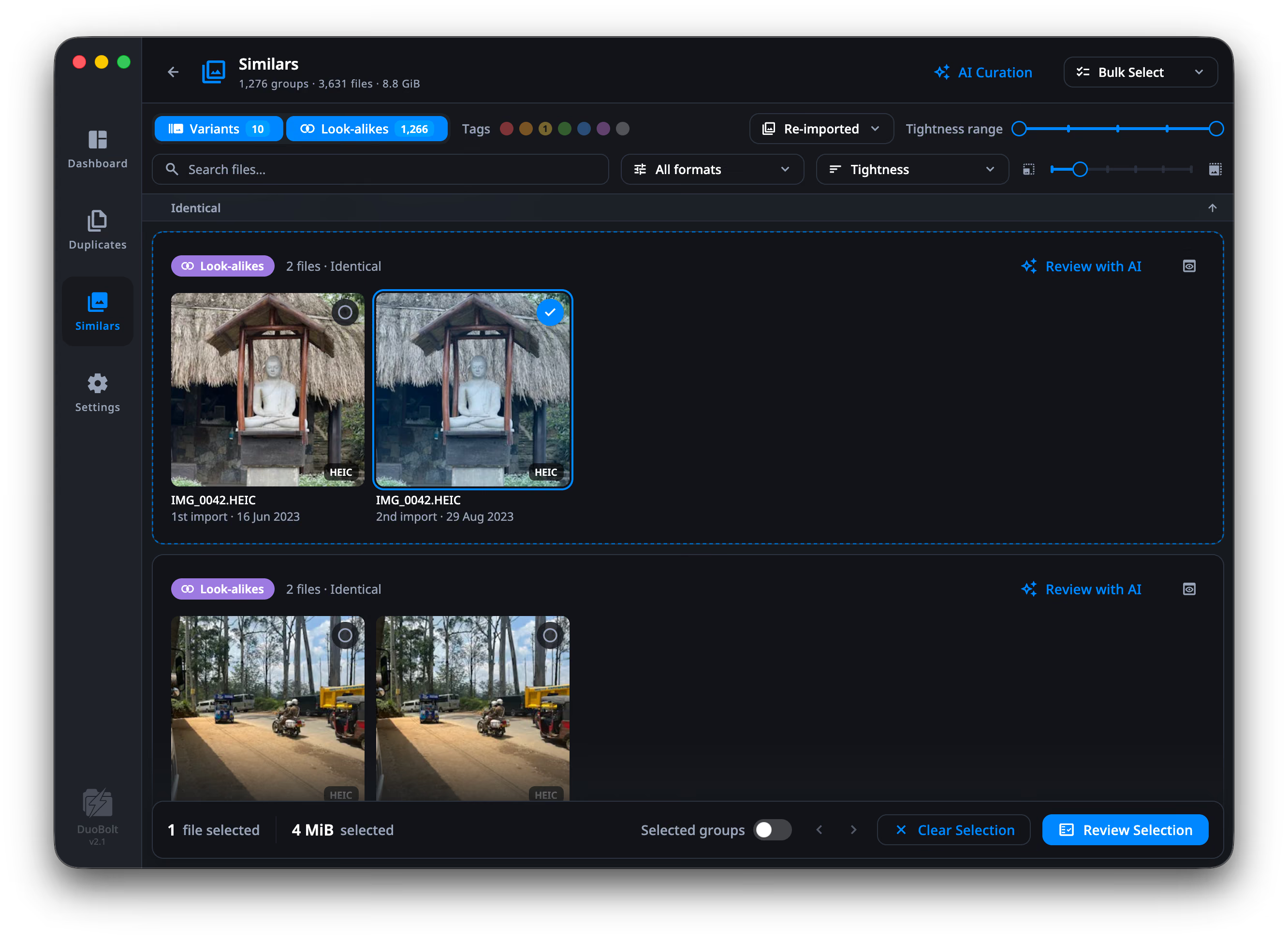
Photos imported more than once
Section titled “Photos imported more than once”A library that was imported twice holds every photo twice — the same bytes under two import dates. Nothing in Photos tells them apart, and DuoBolt groups them as Identical.
Two tools handle this:
- Imported more than once, in the Photos section of Filters, keeps only the groups whose copies differ by import.
- Bulk Select → Keep First Import keeps the copies from the earliest import and selects the later ones, in every group at once.
The rest of the marks feed the same two places: the Photos section of Filters has rows for Edited, Favorited and RAW, and Bulk Select has Keep Favorite. The rules are spelled out on reading the results.
Removing
Section titled “Removing”A library photo goes to Recently Deleted in Photos, through Photos itself — never by deleting files inside the library package. Photos keeps it there for 30 days, and you put it back from there like any photo deleted in Photos.
Removing a photo removes what belongs to it: the edit, a Live Photo’s video, the RAW of a pair. The confirmation says so before you agree, and counts them — and it warns when one of the photos is a favorite.
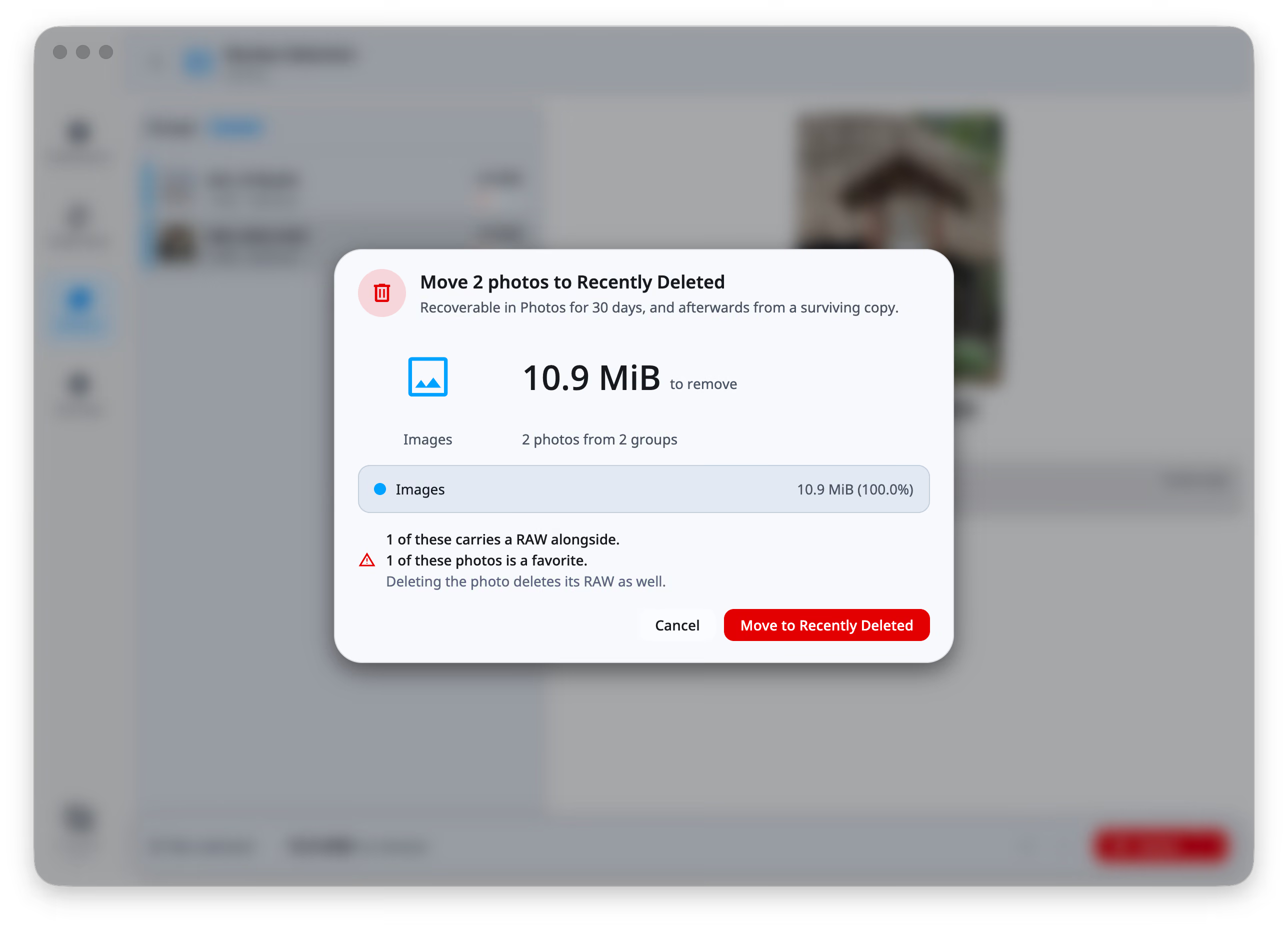
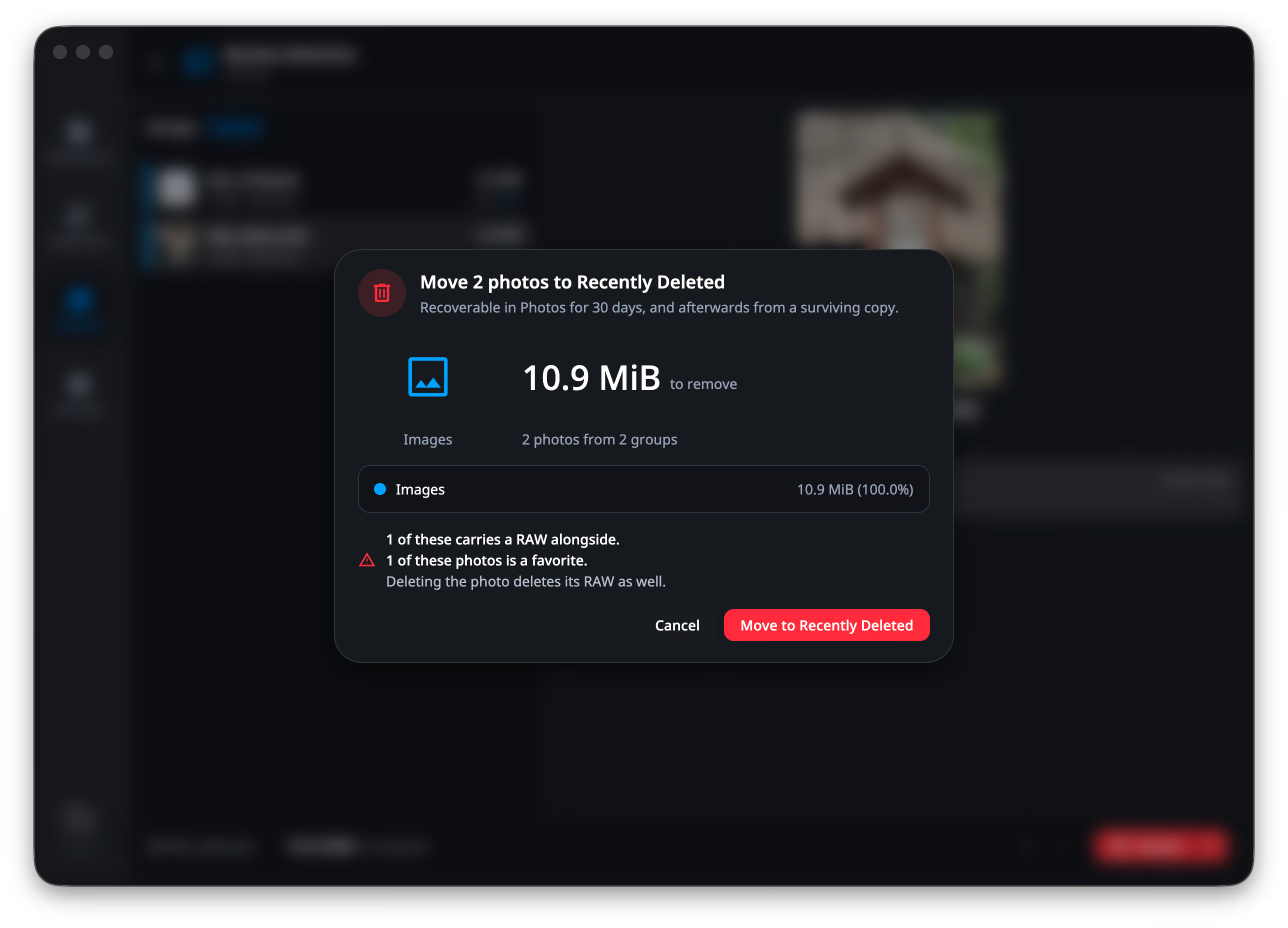
Looking at a library photo
Section titled “Looking at a library photo”The preview works as it does anywhere else, with two things that only a library has. Reveal opens the photo in Photos — the asset, not the file buried in the library package under a name made of hex — and the version switch offers what Photos holds: the original, its edit, and the RAW of a pair.
A RAW is developed for the preview rather than read from the JPEG the camera wrote inside it, so what you compare is the photograph and not the camera’s own summary of it. See Comparing two photos.
Copy to… is the other operation a library offers. Each photo is exported
under its own name — IMG_0042.HEIC, not the UUID — and an edited photo is
exported as the edit, with Copy originals too putting the untouched original
beside it. Archive and Delete permanently do not apply: Photos owns its files.
Review Selection
What a library removal looks like before you agree to it.