Faces
A detector finds faces and their landmarks; a second model reads whether the eyes are open; a face-mesh model reads the mouth. Together they produce Face sharpness, Face exposure, Eyes open and Smile.
In a group of twelve burst frames, the question is which one to keep. AI Curation measures the frames and says which ones are the same shot written twice; the choice between distinct shots stays with you.
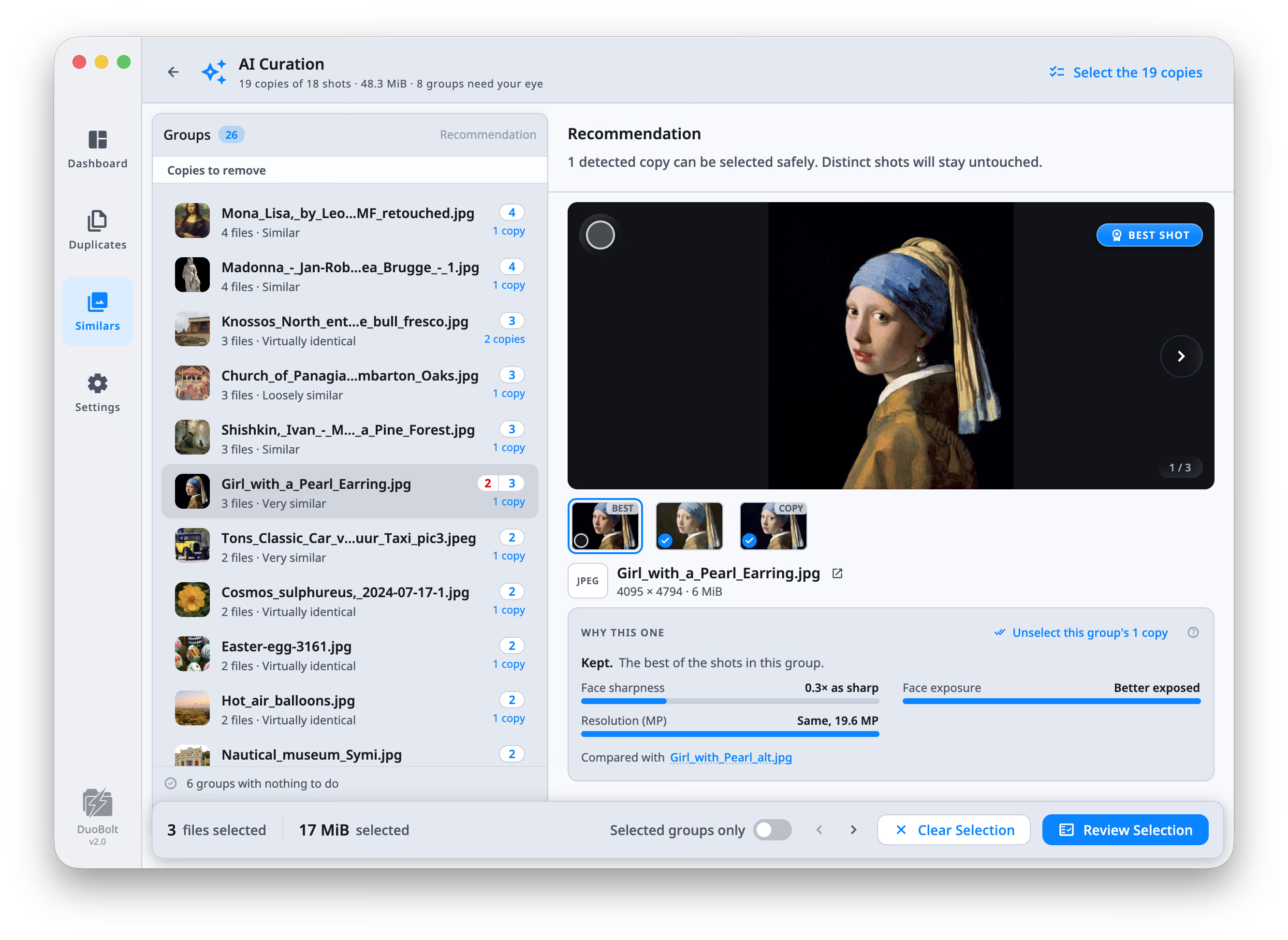
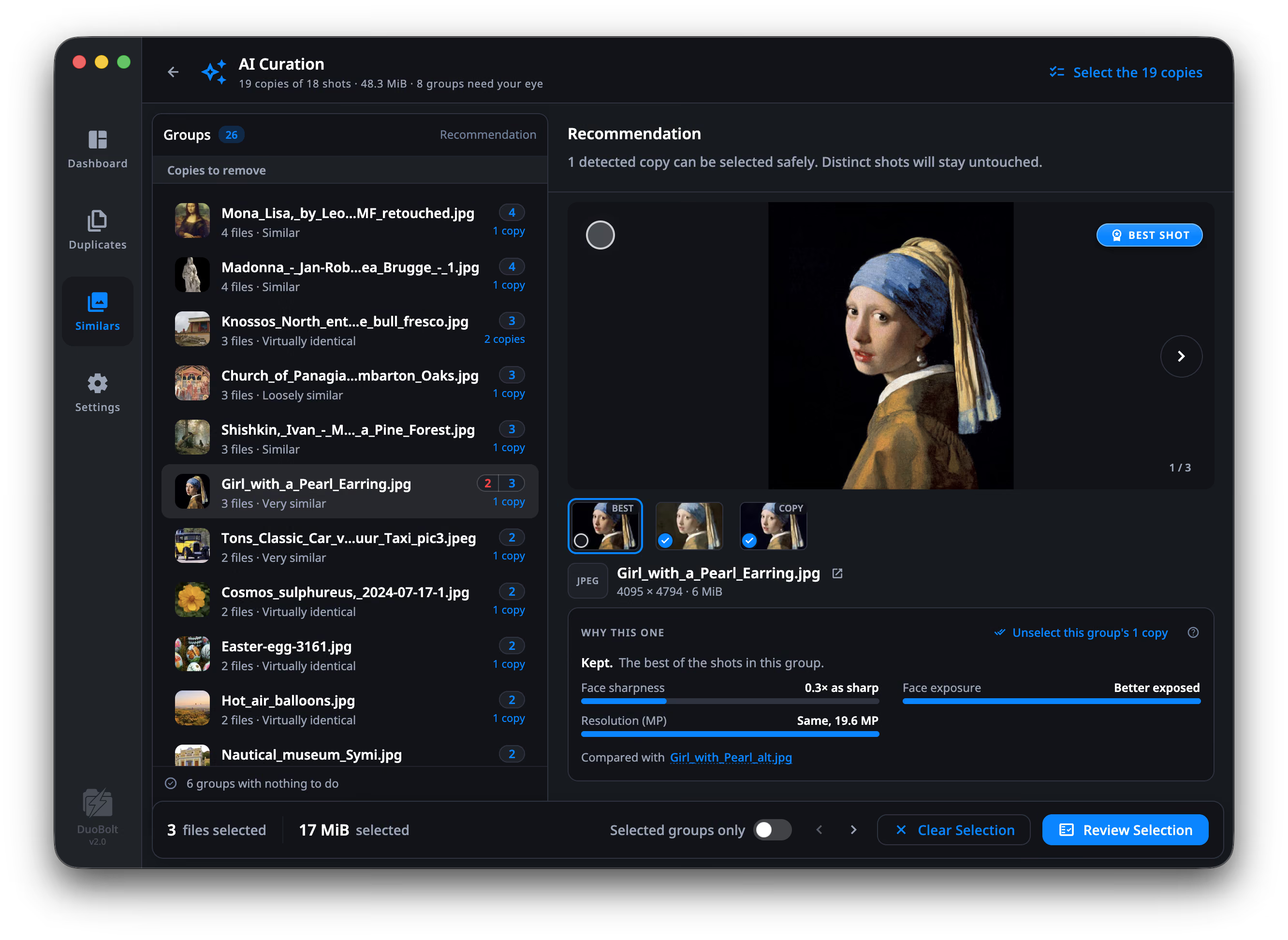
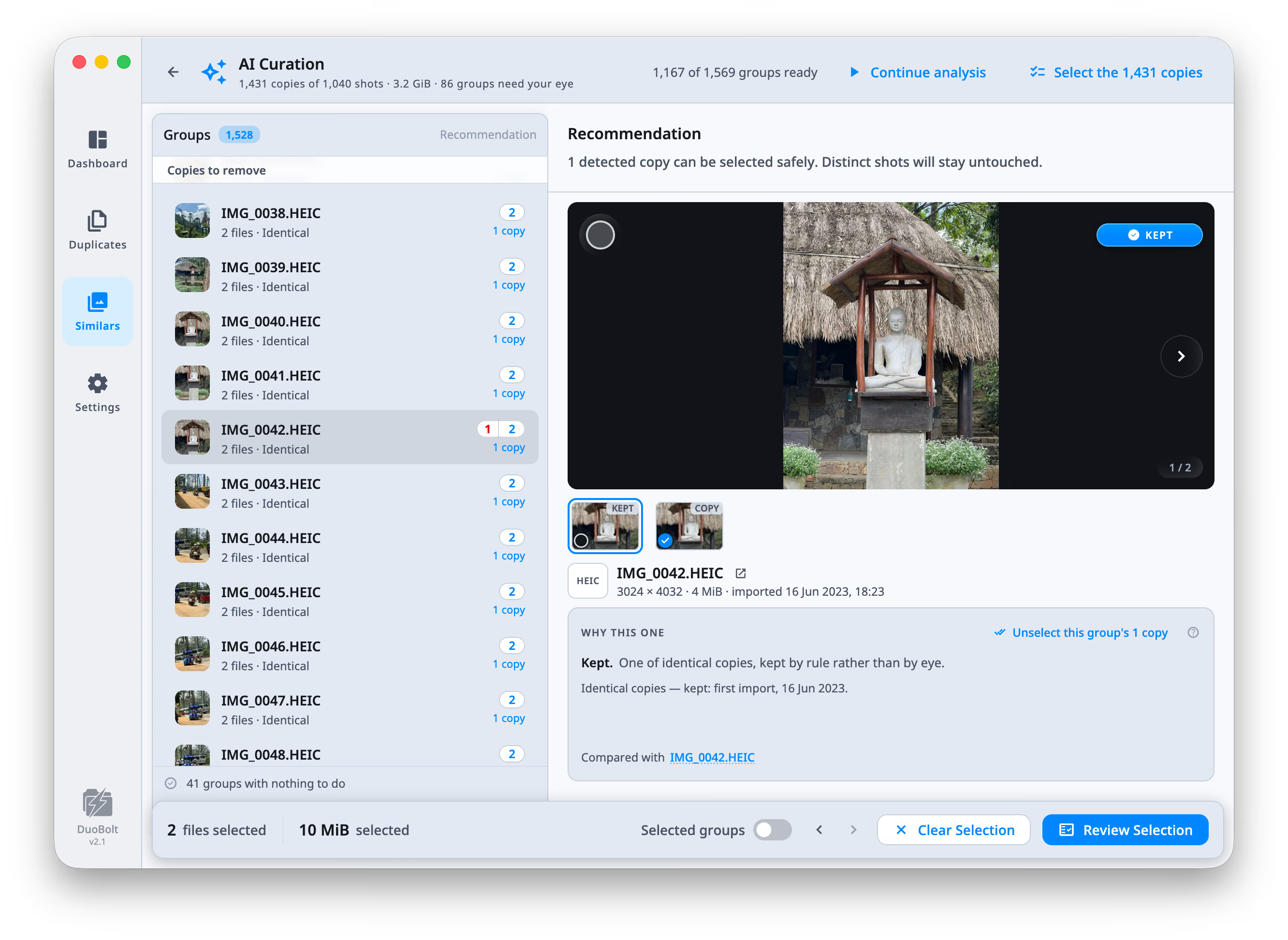
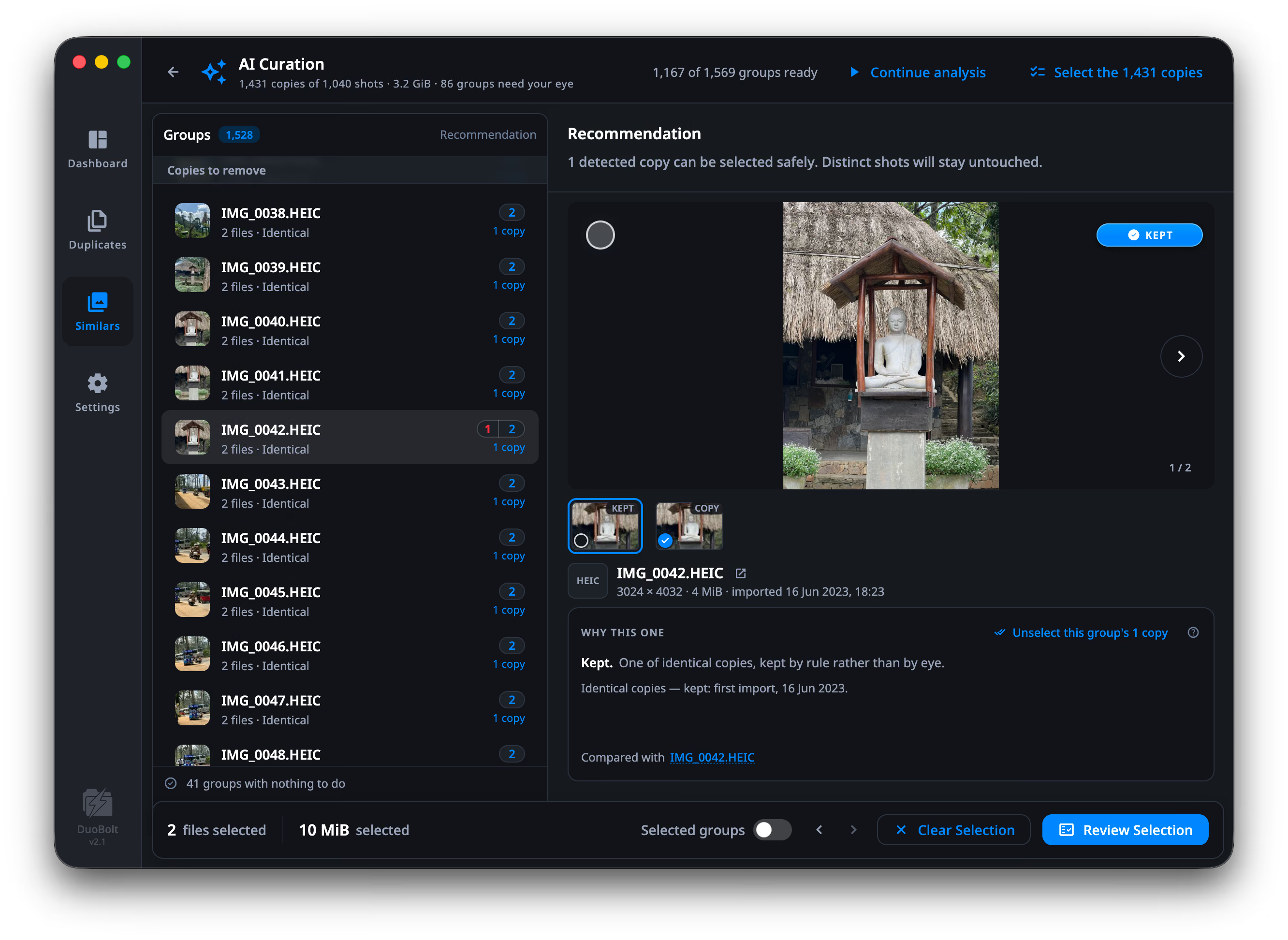
Analysis runs group by group in the background and can be paused
(Pause analysis) and resumed (Continue analysis) at any point. The
progress line reads Analyzing 14 / 32 groups.
Every group ends up in one of three states:
| Outcome | Meaning |
|---|---|
| All distinct | “Every shot here is distinct — nothing to remove.” |
| {n} copies | Shots DuoBolt is confident are the same frame stored again |
| Needs your eye | The top candidates are too close to separate |
The header sums the scan up in one line — 9 copies of 4 shots · 214.8 MiB · 2 groups need your eye.
The groups come in the order the results have them, whatever sort you chose there, so the list you work here is the list you left.
Inside a group each photo gets one of three verdicts:
A group of copies that are identical byte for byte skips the scoring altogether — there is nothing to judge between them. One is kept by rule and badged KEPT rather than BEST SHOT, and the card names the rule: Identical copies — kept: first import, 16 Jun 2023. When no rule tells them apart — the same import, none edited, none a favorite — any one is as good as another: the first is kept, the rest are selected, and the card says so: Identical copies — nothing tells them apart, so any one can go.
That third one is the important category. A burst of seven different expressions is seven distinct shots, and DuoBolt will tell you it found nothing to remove rather than pick a favorite for you.
Select any two photos and the WHY THIS ONE card compares them measure by measure, naming each one:
| Measure | What it is |
|---|---|
| Sharpness — or Face sharpness where faces were found | Detail contrast. It has no absolute scale — only one shot against another. |
| Exposure / Face exposure | How much of the frame is neither crushed to black nor blown out. 0 to 1. |
| Resolution (MP) | Pixel count, in megapixels. |
| Format fidelity | How much the file’s format keeps of the original. 0 to 1. |
| Eyes open | How open the eyes are, across the faces found. 0 to 1. |
| Smile | How much of a smile the faces show. 0 to 1. |
| Aesthetic | A trained model’s opinion of the picture, on the 1–10 scale photo panels use. |
Each row reads as a verdict rather than a number you have to interpret — 2.3× sharper, Slightly better exposed, Bigger, 24.2 MP, Eyes more open. The raw value is there beside it.
Two rules decide what the card shows:
Select the copies marks the detected copies across the group, and the tooltip is exact about what that means: “Marks them — you review before anything happens.” Distinct shots stay untouched.
Press S to select or unselect the focused group’s copies without leaving the keyboard. Everything then goes through Review Selection like any other batch.
Five small models, shipped inside the app. They run offline, and none is downloaded on first use.
Faces
A detector finds faces and their landmarks; a second model reads whether the eyes are open; a face-mesh model reads the mouth. Together they produce Face sharpness, Face exposure, Eyes open and Smile.
The picture as a whole
An aesthetic model trained on human photo ratings supplies Aesthetic on the 1–10 scale. Two embedding models decide whether two frames really depict the same thing, which is what separates a copy from a distinct shot.
Sharpness, exposure, resolution and format fidelity are measured directly from the image — no model involved.
AI Curation itself is not a paid feature: it runs on the groups you can see.
What the tier changes is how many groups that is — below Pro a scan shows its
first 8 groups, and the curation list says 9 more groups · Upgrade to Pro at
the end.
Before this
How grouping works — what has to be true before two photos end up in the same group at all.
Next
Review Selection — the screen between marking and removing.