Shoot RAW + JPEG and every frame lands on disk twice
Two files, one photograph, and no duplicate finder will pair them — because byte for byte they have nothing in common, and a tool that claims otherwise is guessing from the file name. DuoBolt groups them with the engine built for pictures rather than bytes, then lets you write down once which copy you want kept and run that over the whole library.
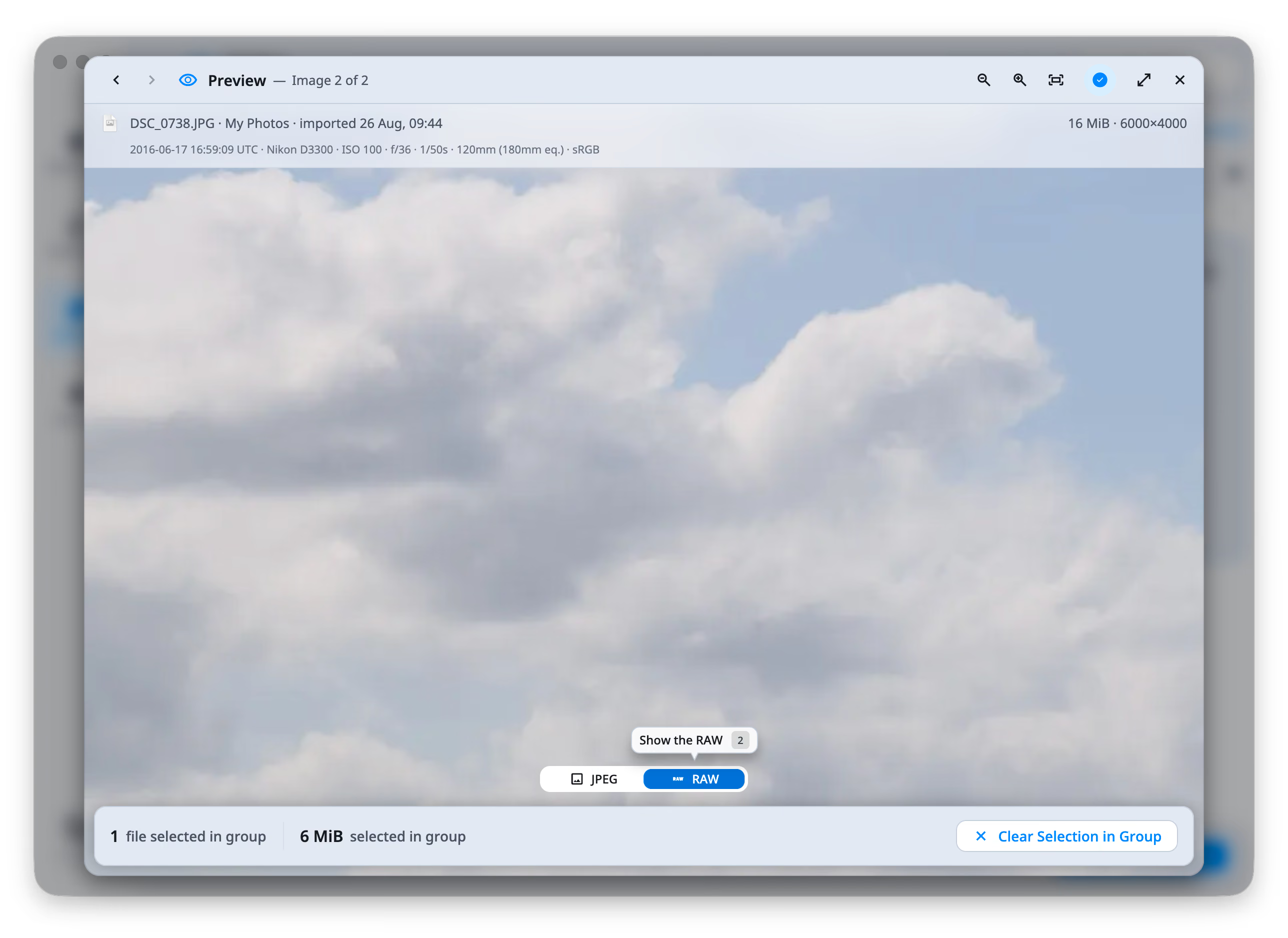
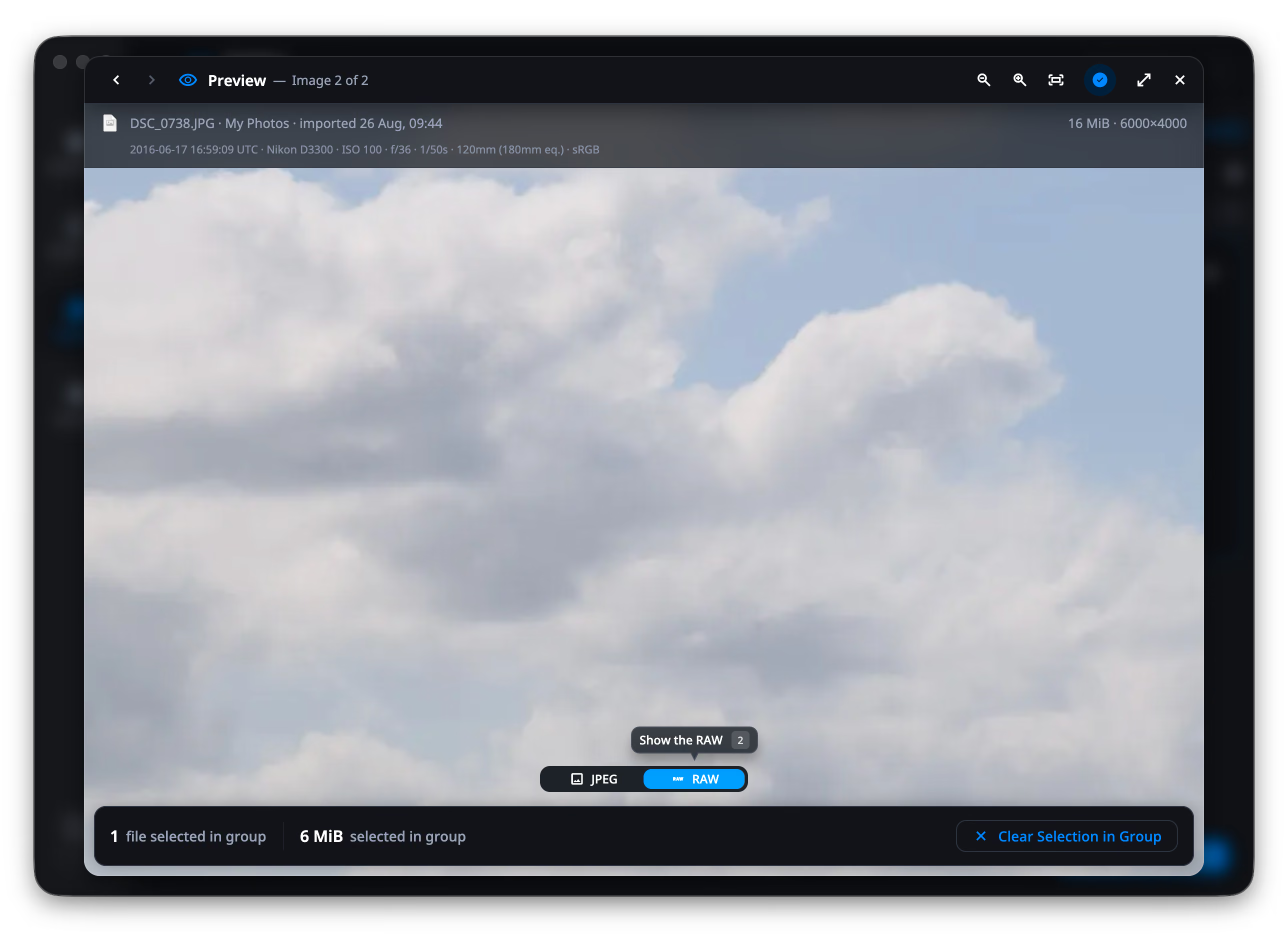
It will not throw away your negative
That is the real worry with letting anything clean up automatically: that it rates your JPEG higher than the RAW it came out of, and keeps the wrong one. DuoBolt cannot make that mistake, because it never scores them against each other . Before a single measurement is taken, it works out what the group in front of it actually holds. Copies of one photograph go one way, and the answer there is not a judgment at all — keep the original, drop what was made from it. Genuinely different frames go the other way, and only there do sharpness, exposure and whether the eyes are open have anything useful to say. A RAW and its own JPEG are always the first kind.
One picture, two files
A CR3 and the JPG beside it share no bytes, so an exact duplicate finder will never pair them — correctly. Similars is the engine that does: it decodes both pictures, sees that they are the same photograph, and puts them in one group.
Copies are not judged on quality
DuoBolt decides what a group holds before it measures anything. Repeats of one photograph are settled on fidelity — the original over the derivative. Sharpness, exposure and the aesthetic score only run where they mean something: across genuinely different frames.
Eleven makers, both platforms
Canon CR2 and CR3, Nikon NEF and NRW, Sony ARW, Fujifilm RAF, Olympus ORF, Panasonic RW2, Leica RWL, Pentax PEF, Samsung SRW, Sigma X3F and Adobe DNG — opened on macOS and on Windows alike, rather than skipped the way tools that only understand JPEG skip them.
Written down once
Put keep the RAW at the top of your rule order in Settings → Selection and press ⌘R. Every group holding a RAW resolves at once. A group with no RAW in it has no opinion under that rule, so it is left alone — and the footer says how many those were.
From two thousand files to one decision
Four steps, and only the last one moves anything.
- Step
Point Similars at the folder
The card, the import folder, the archive drive — wherever the pairs landed. Duplicates is the wrong engine here and will say nothing about them; this is the other one.
- Step
The pairs come back grouped
Each group carries the copies of one photograph, labeled by what tells them apart — how many megapixels, how large, whether it is a RAW or an edit — so two files called IMG_0042 are not two identical-looking rows.
- Step
Run your rule over all of them
Keep by my rules, from the menu or with ⌘R, reads your order top to bottom and applies the first rule that has an opinion. Anything it cannot tell apart it leaves for you.
- Step
Check the ones you want to check
Press C on any group and the two copies share one frame at the same zoom, with a line you wipe between them. H draws a histogram over the picture; Δ lays the other copy's curve on top. Then Review Selection, and only then does anything move.
RAW + JPEG — FAQ
- Why doesn't the duplicate finder pair my RAW with its JPEG?
- Because they are not duplicates, and DuoBolt will not pretend they are. The Duplicates engine proves identity with a full BLAKE3 hash of the file's contents: a CR3 and a JPG differ in every byte, so they never match. That strictness is the point of that engine. Pairing pictures that merely look the same is the Similars engine's job, and it is the one to use here.
- How does DuoBolt read a RAW file?
- Grouping and the AI measures work from the full-color preview your camera writes inside the RAW, rather than developing the sensor data. That is what keeps a whole-library pass fast and means no RAW-converter dependency. Open a photo full screen and it is developed properly — a real demosaic rather than the small JPEG inside the file. Treat a grouping result as a first pass over the take, not a check of critical focus at 100%.
- Will it always keep the RAW?
- Only if you say so, and only where the question applies. Keep the RAW is one rule in an order you write in Settings → Selection, described in the app as the negative over the develop. A group with no RAW in it has no opinion under that rule, so DuoBolt moves to the next rule you wrote — and if nothing decides, it leaves the group alone rather than guessing.
- What if the JPEG is the one I want to keep?
- That happens whenever the work went into the JPEG — a crop, an export, an edit made outside the RAW. Two ways to handle it. Reorder your rules so something else wins first, such as keep the copy with more pixels or keep the newer file. Or decide by eye: press C on the group and the two copies appear in one frame at the same fit and zoom, with a line you drag between them.
- Does it work with Lightroom?
- Partly, and it is worth being precise about which part. DuoBolt reads the star rating a Lightroom, Bridge or darktable sidecar left, and shows it on the tile and in the preview. It does not read a Lightroom catalog, does not write to one, and cannot mark rejects inside Lightroom. If your decisions live in the catalog rather than in sidecars, DuoBolt will not see them.
- Which RAW formats are supported?
- Canon CR2 and CR3, Nikon NEF and NRW, Sony ARW, Fujifilm RAF, Olympus ORF, Panasonic RW2, Leica RWL and RAW, Pentax PEF, Samsung SRW, Sigma X3F, and Adobe DNG — on macOS and Windows both. One caveat: a RAW that carries no embedded preview cannot be decoded on Windows and the scan reports it as skipped rather than quietly dropping it. On macOS the system demosaics it instead, so those files still work. Leica is the case this usually comes up with.
- Can it find RAW + JPEG pairs on a memory card or external drive?
- Yes — anything the operating system mounts as a folder is a scan root, card readers and external drives included. Removing from a card is the one place to slow down: there is no Trash on most of them, so choose Move to Archive or Copy to… if you want the files off the card but not gone.
Keep exploring
Formats and codecs
Every image, RAW and video format DuoBolt decodes on each platform, the two free extensions Windows needs for HEIC and AVIF, and where a format stops being readable.
Read moreKeep rules
The full rule list — pixels, the RAW, EXIF survival, folder membership, and camera-setting rules built from an attribute, a comparator and a value.
Read moreComparing two photos side by side
The compare curtain and the histogram: two copies in one frame wiped between, with the light in each of them measured rather than guessed at.
Read more