An exact duplicate file finder, with zero guessing
A file is a duplicate when its contents are byte-for-byte identical, and never for any other reason. No name patterns, no size-only matches, no partial checksums, no perceptual guesswork. Every group DuoBolt calls a duplicate is proven by a full BLAKE3 hash — which is why it sometimes finds fewer than the other tools, and why you can act on all of them.
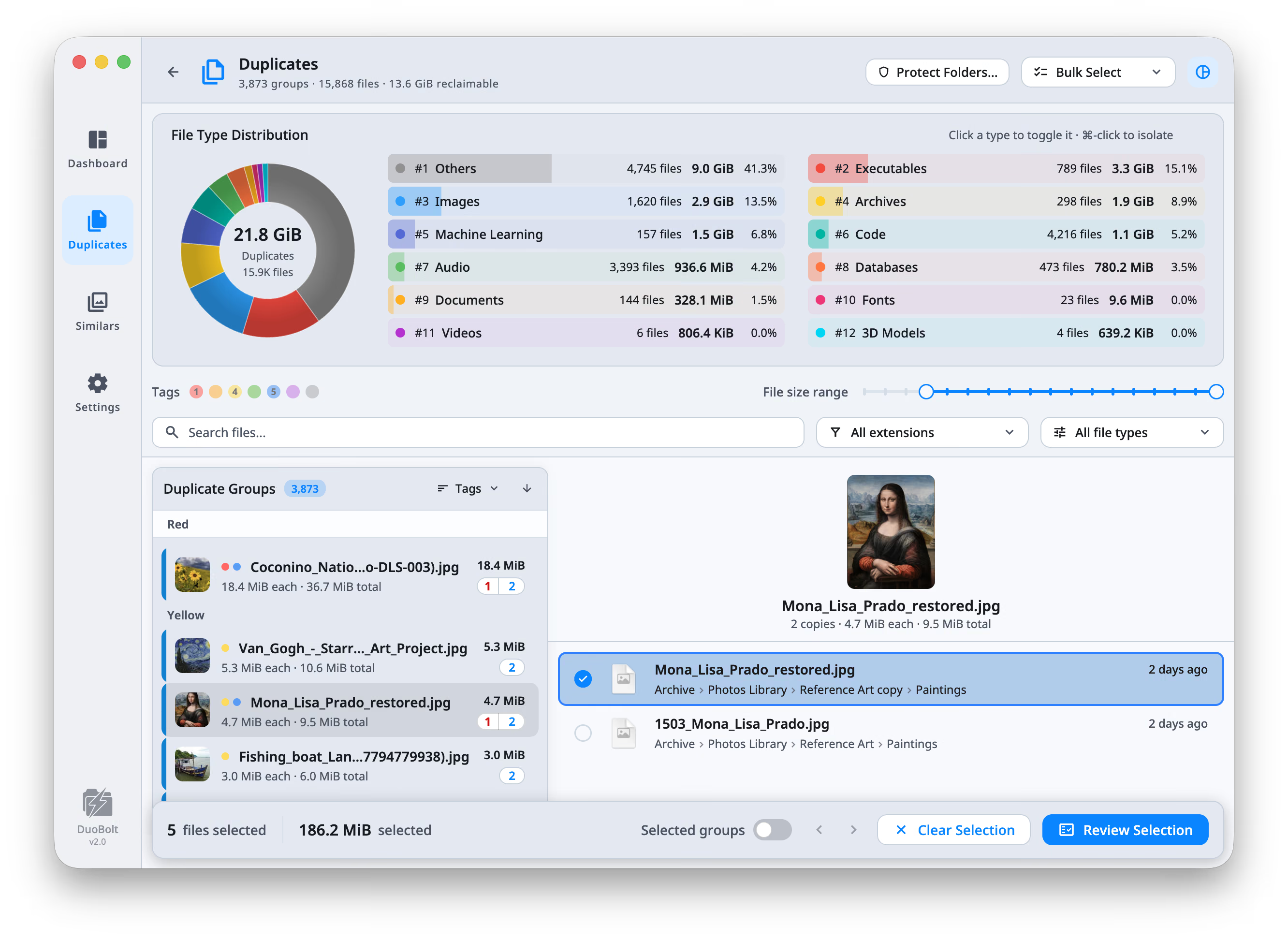
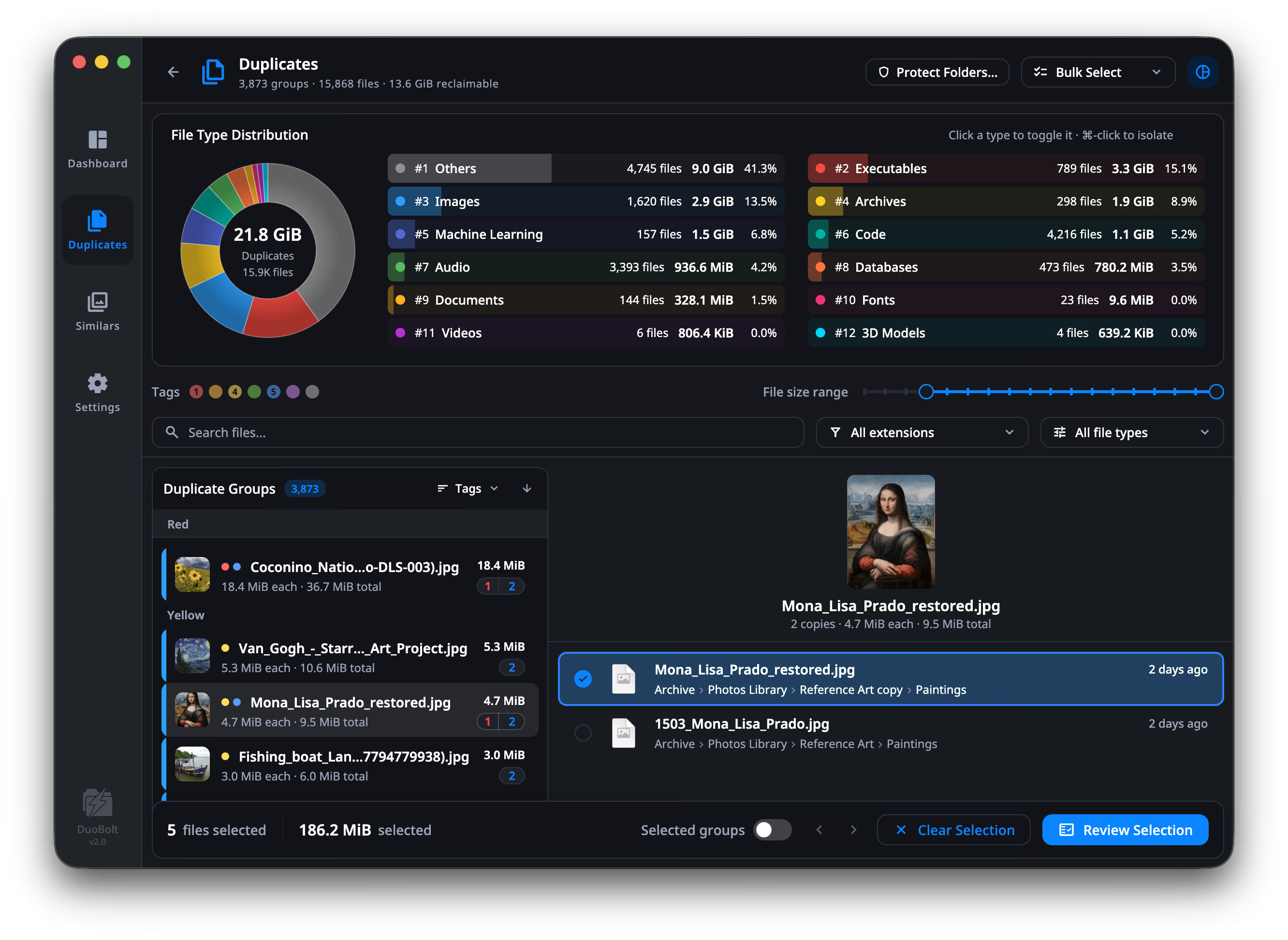
What counts as a duplicate
There are cheaper ways to decide two files are the same: matching names and similar sizes, a partial CRC32, or a perceptual hash quietly filed under the same heading as an exact match. They are fast, and they are how people end up deleting the wrong file — the group said duplicate, so they believed it. DuoBolt reads and hashes every candidate in full, so a duplicate group is only ever a set of files with identical content. It does have a perceptual engine for photos, and that engine reports its findings under a different word, in a different view, with a tightness rating attached. The two verdicts never share a label, because they do not mean the same thing.
Full BLAKE3 hashes
Every candidate file is fully hashed with BLAKE3, the modern parallel cryptographic hash. Two files are reported as duplicates only if their hashes match — i.e., if their contents are byte-for-byte identical.
No name or size shortcuts
DuoBolt never declares a match based on file name, modification time, or size alone. Those fields are shown for context; none of them decides anything. Two files called the same thing are not duplicates, and two files called different things very often are.
Symlink and hardlink aware
Hardlinks and symlinks are detected and collapsed so a single inode never inflates a duplicate group. You see real, recoverable duplicates — not the same file counted twice.
A perceptual engine that stays in its lane
DuoBolt does group look-alike photos — on a separate engine, with a separate label, that never uses the word identical.
How an exact match is proven
Four stages between dropping a folder onto DuoBolt and seeing a confirmed duplicate group.
- Step
Group by size
Files of different sizes can never be byte-for-byte equal, so DuoBolt buckets them by size first. Singletons are dropped immediately.
- Step
Head+tail prehash
For each remaining group, BLAKE3 hashes the first and last N KiB. Any file whose prehash is unique is removed from consideration before the engine touches the rest of its bytes.
- Step
Full-content hash
Survivors are fully streamed and hashed with multi-core BLAKE3. Files with identical full hashes are guaranteed to be identical in content.
- Step
Stable grouping
Confirmed duplicates are grouped, sorted, and surfaced. Symlinks and hardlinks are collapsed so the result reflects real recoverable space.
Exact duplicate finder FAQ
- What does “exact” mean in DuoBolt?
- Two files are exact duplicates only when they are byte-for-byte identical, as proven by matching full BLAKE3 hashes. There is no fuzzy, perceptual, or AI-style matching anywhere in the duplicate engine. Look-alike photos are handled by a separate engine that never uses the word identical.
- Why does DuoBolt sometimes find fewer duplicates than other tools?
- Because it avoids false positives. Tools that match by name, size, or partial checksum will report files that look similar but differ in content. DuoBolt only reports a match when full BLAKE3 hashes agree, so its output is conservative by design.
- How small is the chance of a hash collision?
- BLAKE3 is a cryptographic hash with 256 bits of output and 128-bit collision resistance. The probability of a collision on any realistic dataset is effectively zero — far smaller than the probability of disk read errors or hardware failure during the scan itself.
- Are the results identical on macOS and Windows?
- Yes. Both builds share the exact same engine, hashing logic, ignore rules, and grouping. With equivalent settings the duplicate groups returned are identical.
- Does DuoBolt work offline?
- Everything it does to your files does. Scanning, hashing, grouping and review are entirely local, and no file content, file name or usage data ever leaves the computer. The app makes two kinds of network call and neither one touches your files: a license check, which re-runs every 72 hours if you own a license, and an update check — that one is macOS only, through Sparkle. Used free, with no license, nothing after the download needs a connection at all.
Keep exploring
Why BLAKE3
How BLAKE3's tree structure, SIMD kernels, and cryptographic guarantees make it the right hash for a duplicate finder.
Read moreCore concepts
Prehashing, grouping, symlink rules, and the assumptions behind every scan.
Read moreUsing it for nothing
Free is not a demo here: every duplicate shown in full, no account, no expiry, and the one removal limit said out loud rather than discovered.
Read morePerformance benchmarks
How exact-match scanning still beats fuzzy tools on real terabyte-scale datasets.
Read moreReading a scan's results
Filters, sorts and bulk rules — and why the footer sometimes shows a reclaimable figure smaller than what you selected.
Read more