Find what’s twice. Keep what matters.
Find duplicate files and similar photos
Duplicates proven byte-for-byte. Similar photos ranked and explained by AI that runs on your machine — no account, no upload. And nothing is deleted without you. Plus Sync Folders: two folders compared and brought in line.


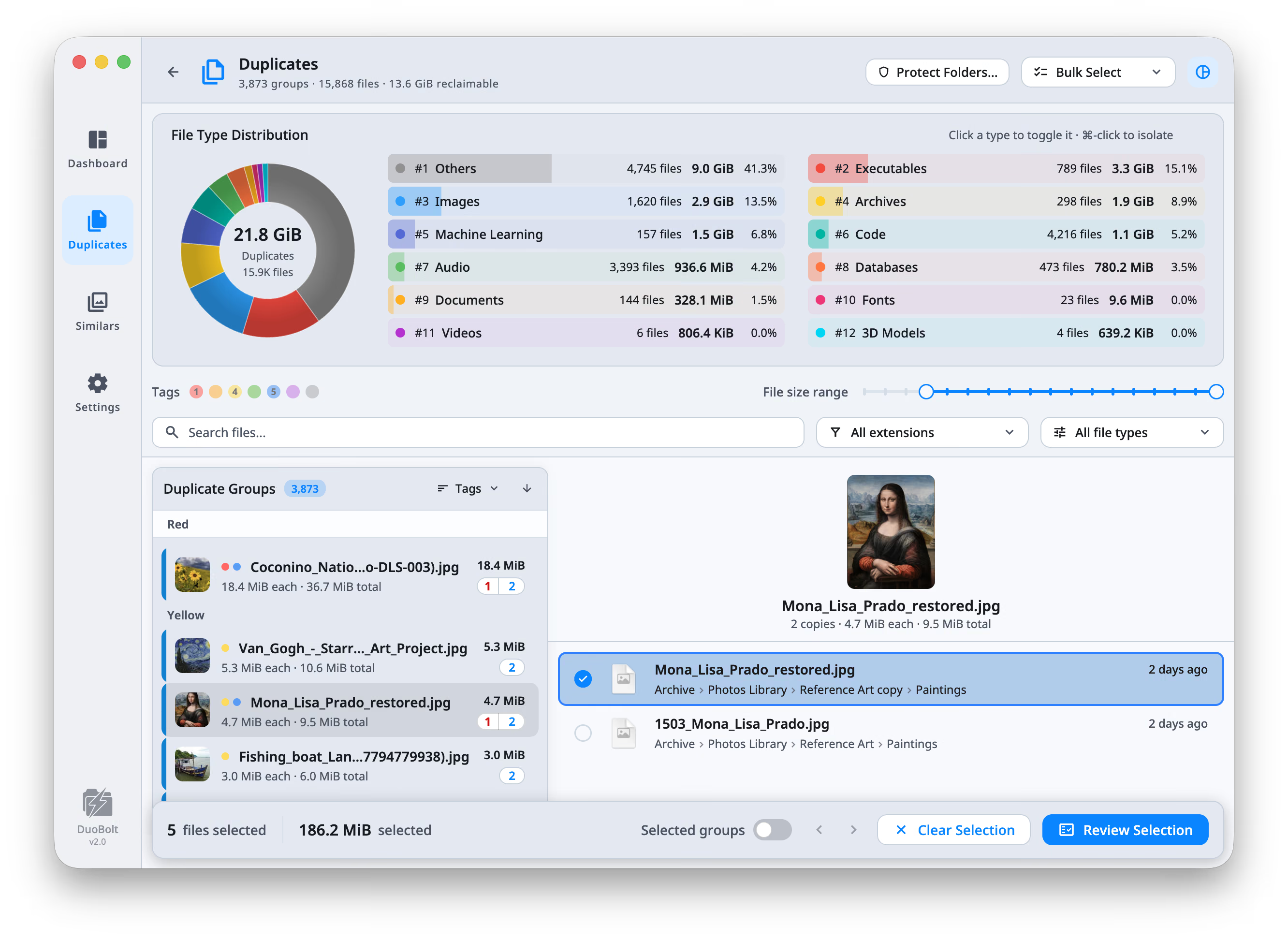
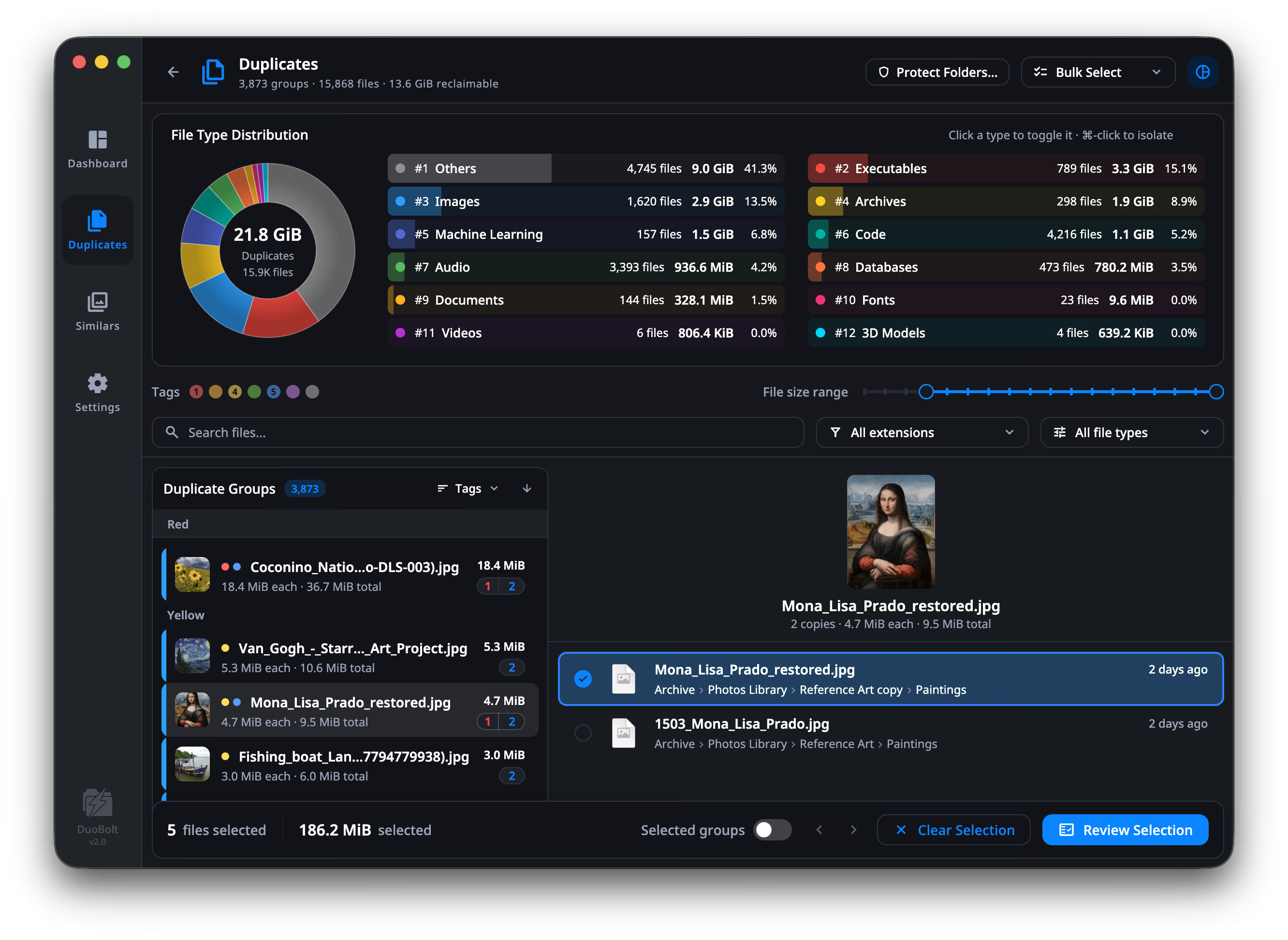
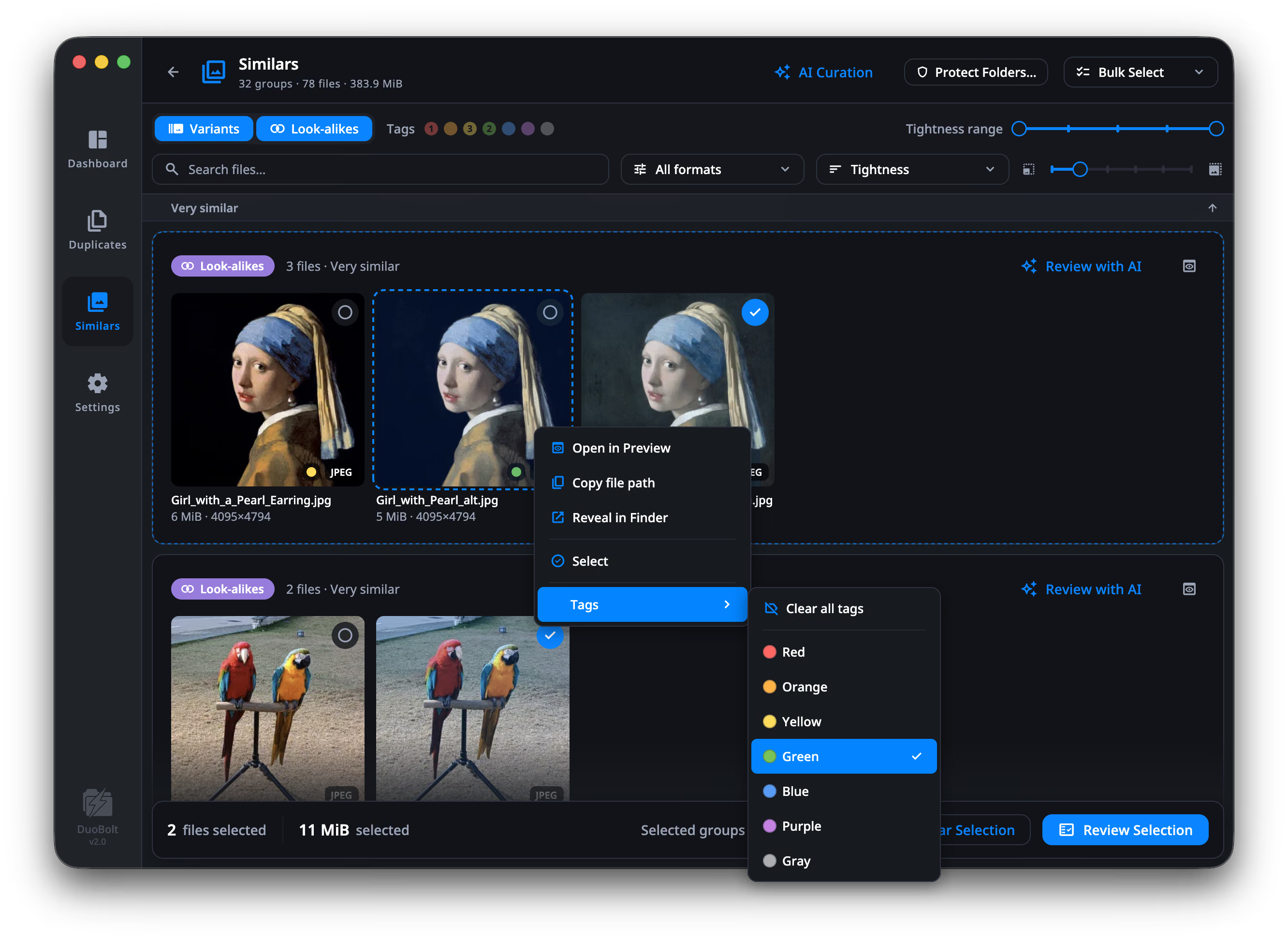
Free shows every result. The limit is on what one clean carries out: 25 files or 500 MiB.
Every download starts with 7 days of Pro.
Two engines
Which half is yours?
Duplicates are proven. Similar photos are ranked and explained. They never pretend to be the same thing.
Duplicate files
Any file type, any drive, including NAS.
- Full BLAKE3 hashes: if it says identical, it read every byte
- APFS clones flagged, so you don’t “free” space that isn’t there, and copies can be turned into clones: both stay, the disk stores one macOS
Free: 25 files per clean · Standard: unlimited
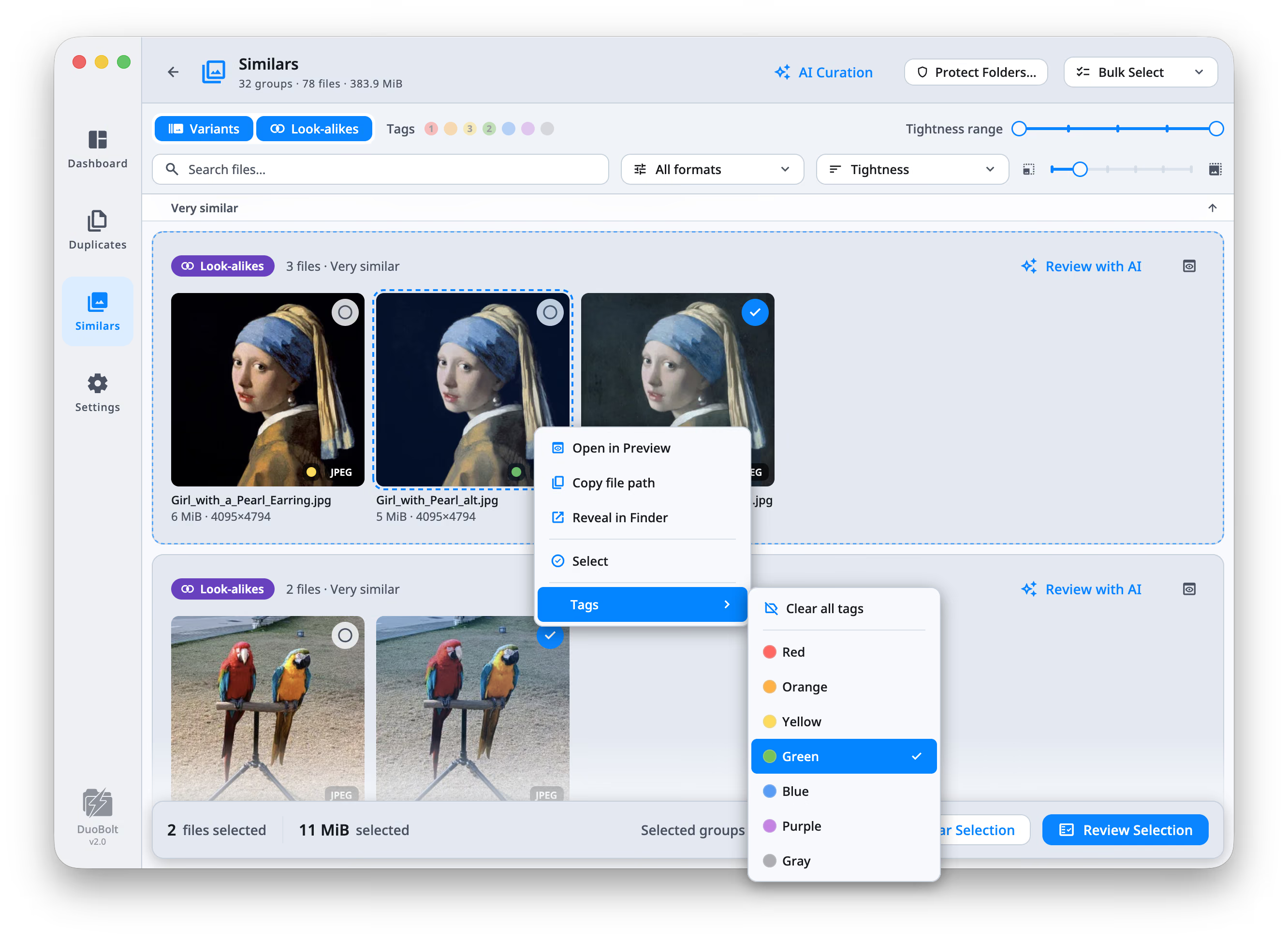
Similar photos Pro
Bursts, exports, re-saves, near-identical frames.
- Grouped by what they look like, not by name or date, with identical copies stacked into one tile
- You set how tight a match counts
- Review with AI ranks each group and says why: sharpness, exposure, eyes open
Free & Standard: first 8 groups, whole · Pro: every group
The scan
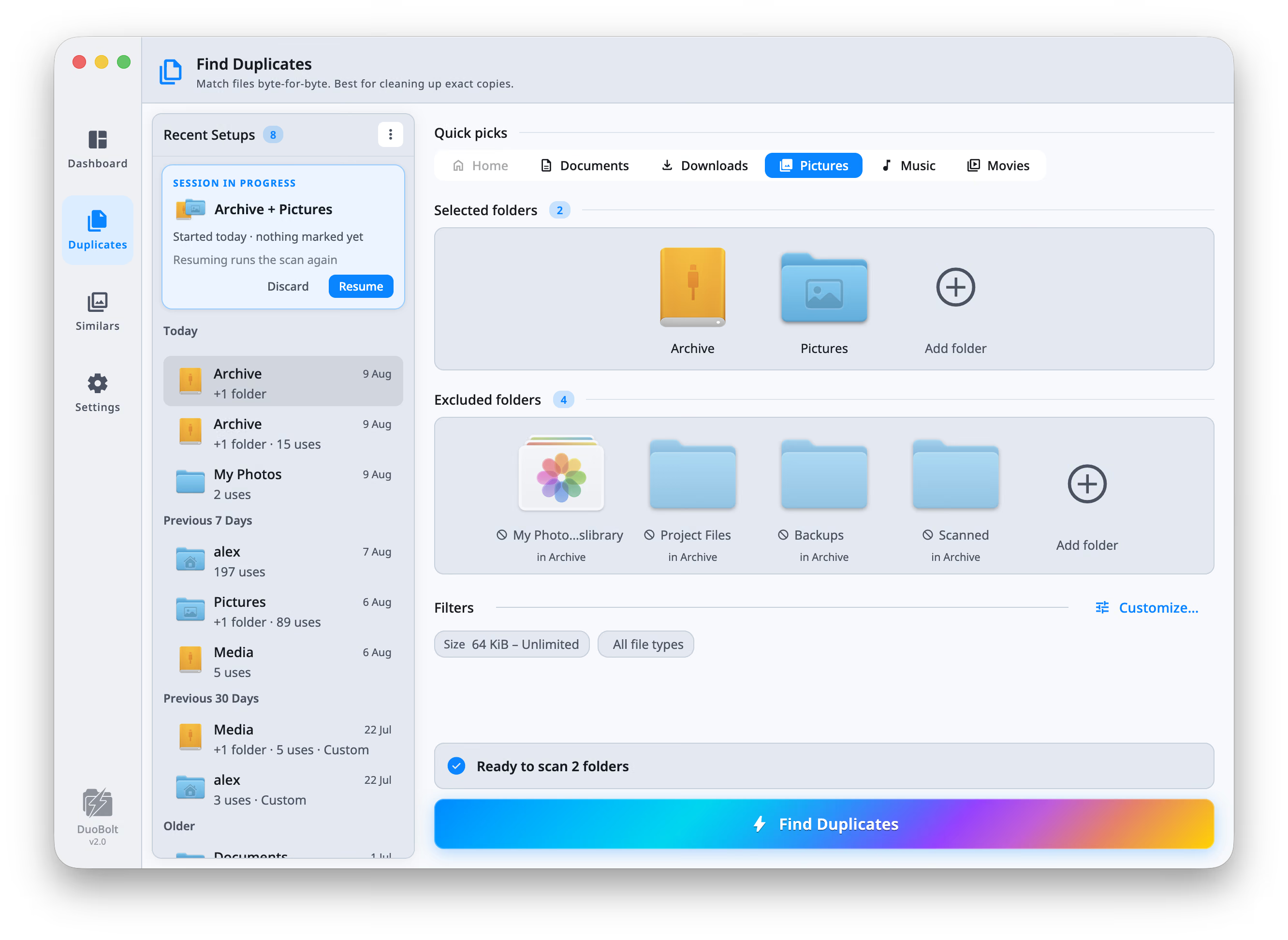
You choose what it
reads.
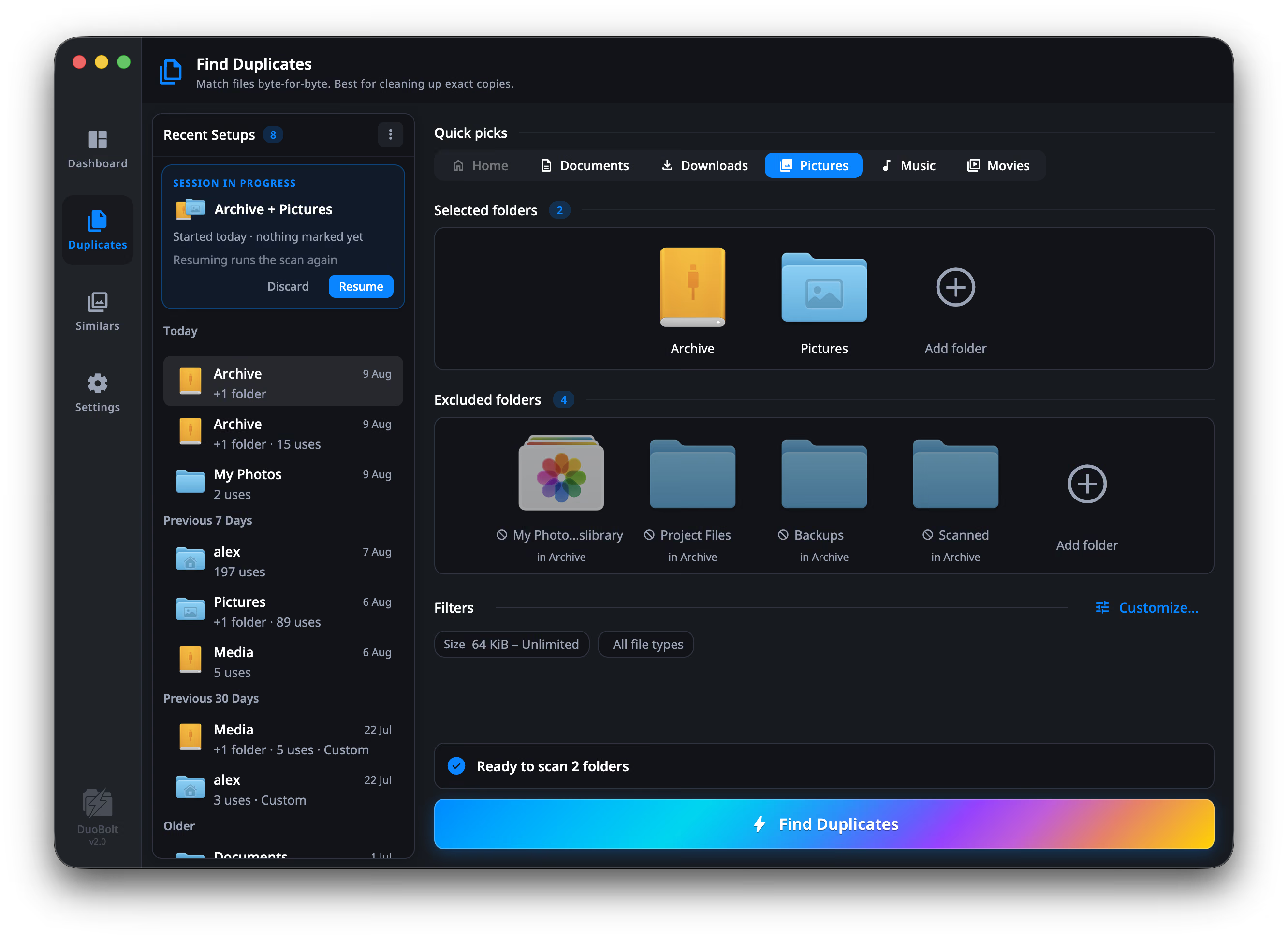
Point it at folders — or, on a Mac, at your Photos library. Exclude the ones you want left alone. Set a size floor. Then it runs.
Skip system files, hidden files and folders, library containers, photo libraries, NAS and system folders — or name your own
Include or exclude by extension, and set a size range anywhere from 1 KiB to unlimited
Follow symlinks or collapse them, so a link never counts as a copy of the file it points at
Leave files that live only in iCloud Drive or OneDrive in the cloud, or download them for the scan
All of it is under Customize…. The photos side adds two more: how close a match has to be, and how large a group may get.
Timed against four other duplicate finders
11.66× where the CPU decides, 1.07× where the disk does
Five duplicate finders over three kinds of storage. Each tier is limited by something different — per-file overhead, bus throughput, network latency — and the gaps move by more than an order of magnitude between them.
DuoBolt 2.2.8 on an M2 Max, 20 September 2026. Exact duplicates only, 1 KB minimum file size, each tool's cache cleared before every run. Plotted as multiples of DuoBolt's time; the seconds are in the tooltip. On the NAS tier, DuoBolt and Czkawka finish within the measurement's resolution of each other.
Why these results hold up
Each dataset was scanned back-to-back on the same machine with identical include/exclude rules, and each tool's cache cleared before every run.
- DuoBolt walks every scan root in parallel and hashes with BLAKE3 on all cores. On 1.69 million small files that is the difference: 38 seconds, against 63 to 443 for the others.
- On a USB drive or a NAS, the disk or the network sets the pace and the tools close up: Czkawka is 1.07× on the USB-C SSD and within the measurement's resolution on the NAS.
- The run
- Machine
- Apple M2 Max, 32 GiB
- Tiers
- 3 — internal SSD, USB-C, NAS
- Method
- 1 KB floor, caches cleared per tier
- Version
- DuoBolt 2.2.8, 20 Sep 2026
Somebody else’s measurement
“It’s very fast, surprisingly so.”
Every figure in the section above is ours, measured on our own machine. This one is not: an editor at Softpedia installed DuoBolt 2.0.2, pointed it at his own folders, and rated it 4 out of 5.
The same review calls DuoBolt “quite expensive for a
duplicate cleaner”, and it tested ordinary folders on a Mac
— no NAS, no RAW, no ~/Library.
- Source
- Softpedia
- Reviewer
- Catalin Chelariu
- Version tested
- DuoBolt 2.0.2
- Date
- August 2026
AI Curation
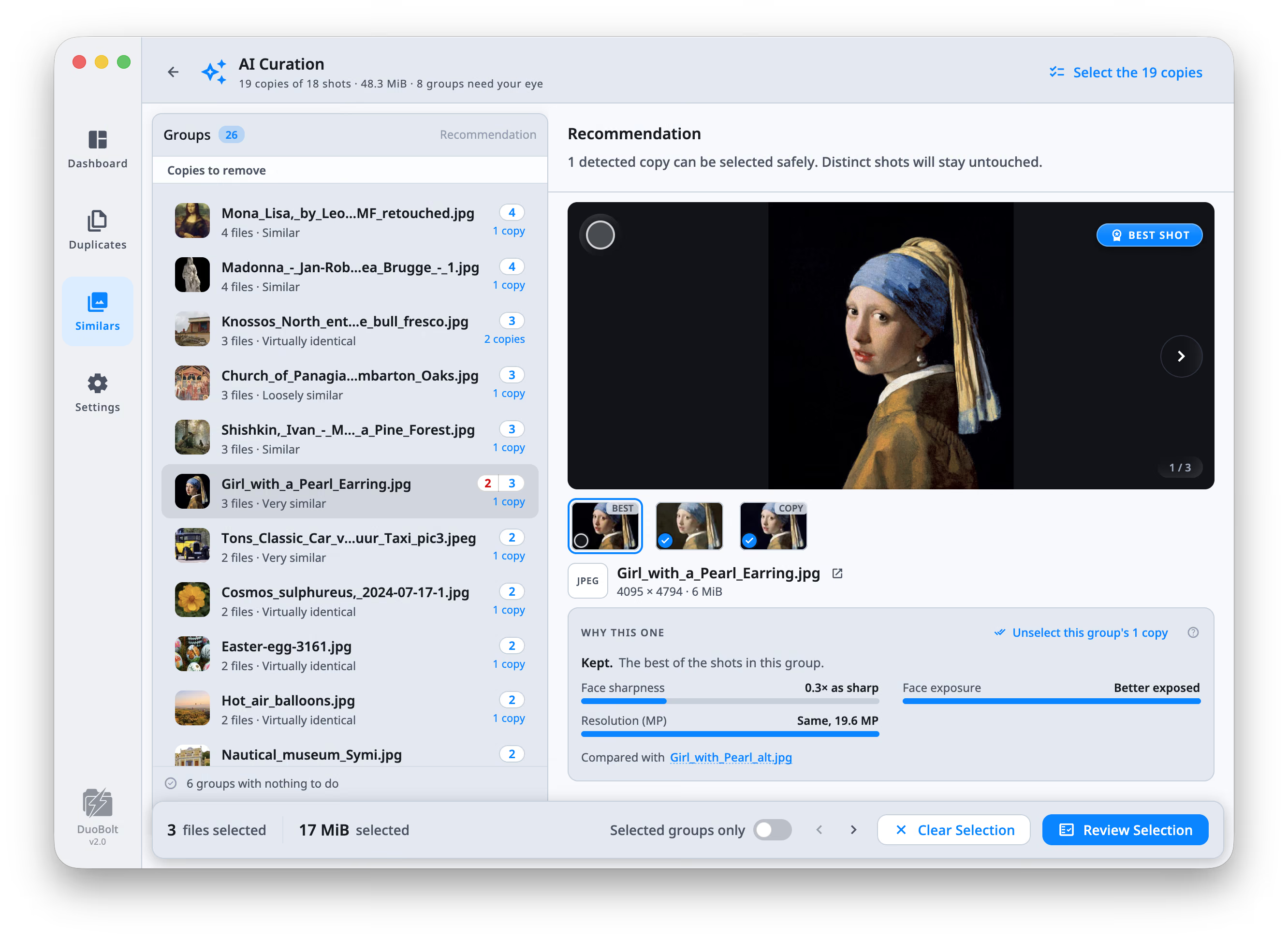
It marks the best shot in
every group.
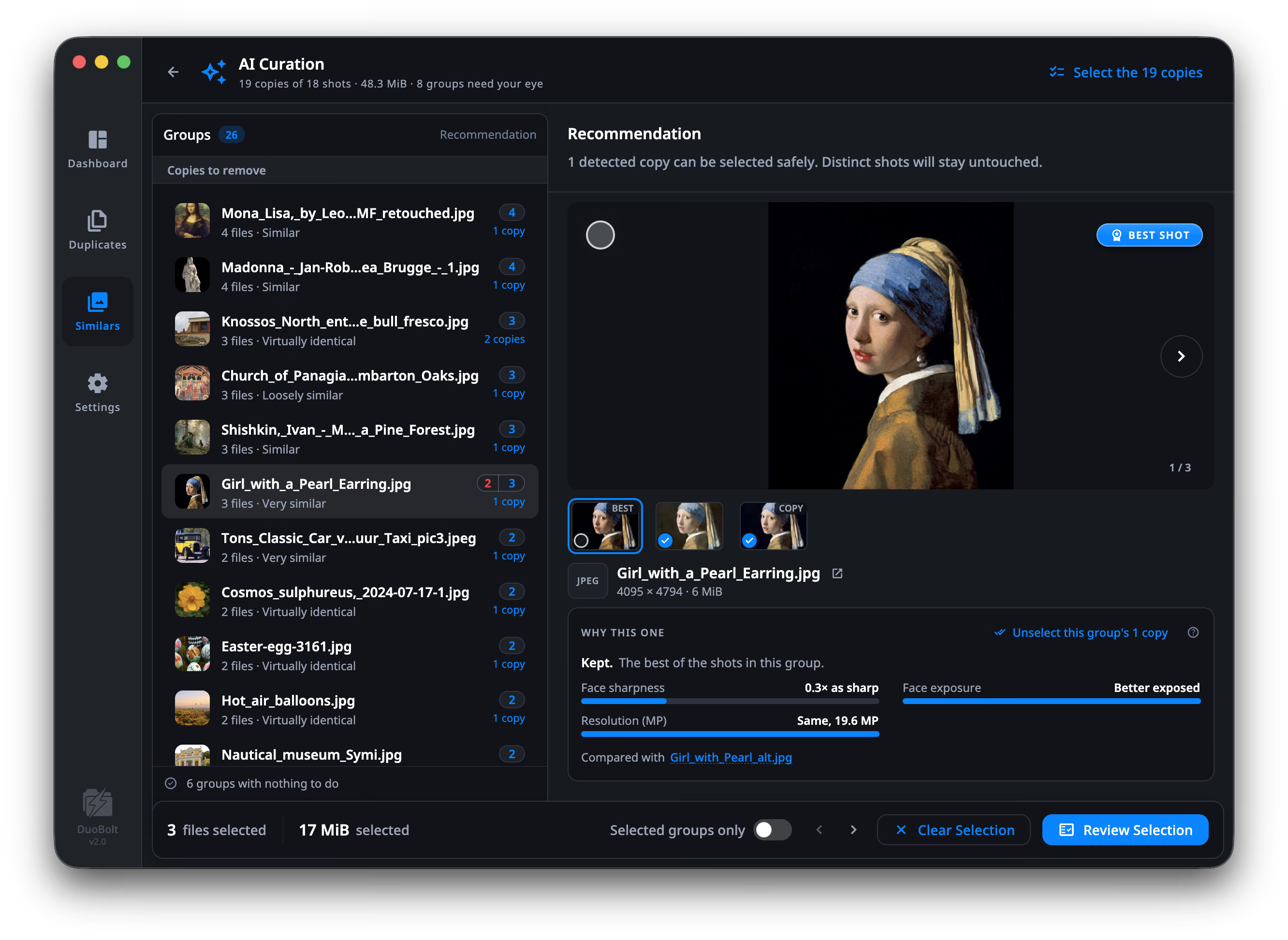
Open a group and DuoBolt says which of the others are only copies of it — and which ones are different enough that you should look yourself.
The groups it is unsure about go to Needs your eye, and the ones with nothing to do say so and get out of your way.
Explainable, never automatic
It ranks. You decide.
DuoBolt never deletes a photo on its own. It works out how two shots are related before it scores them, measures only what applies to that relationship, and shows its working — so you can disagree with it in one click.
When the evidence is thin it says so instead of inventing a winner. Groups it is unsure about go to Needs your eye rather than into a selection.
A copy of the kept shot. Same scene, written again — nothing the kept shot lacks.
- Face sharpness
- 3.5× sharper
- Face exposure
- Worse exposed
- Resolution (MP)
- Same, 19.6 MP
Compared with Girl_with_a_Pearl_Earring.jpg
Formats
It reads what your camera writes.
Similar-photo grouping opens the RAW files themselves — not just the JPEGs you exported from them — reading the full-color preview your camera wrote inside each one. So the originals get culled too, before they eat another drive.
Finding duplicates never decodes a file. It hashes bytes, so a duplicate HEIC turns up on Windows exactly as it does on a Mac. Grouping similar photos does have to read the picture. RAW works on both.
1 On Windows, HEIC and AVIF need two free Microsoft Store add-ons: HEIF Image Extension and AV1 Video Extension. Without them those files are skipped silently. macOS needs nothing.
Sync Folders
Two folders,
side by side.
Pick a folder A, a folder B and a direction: mirror to B, mirror to A, or both ways. The results show the two as trees next to each other, with what will happen to each pair in the middle, and every pair can be told otherwise before you start.
Every file of the same size is compared by its contents, never by its name and date alone
Both ways remembers what the folders shared at the last sync: a change on one side is copied to the other, a deletion goes to the Trash there, and a file changed on both sides is a conflict for you to settle
Before a sync starts, DuoBolt says what would fail. Removed files go to the Trash, and a side that has lost more than half its files since the last sync, the way an unmounted drive looks, has its deletions held back
Free syncs up to 25 files and 500 MiB per run. What is left stays in the list for the next one.
How Sync Folders decides →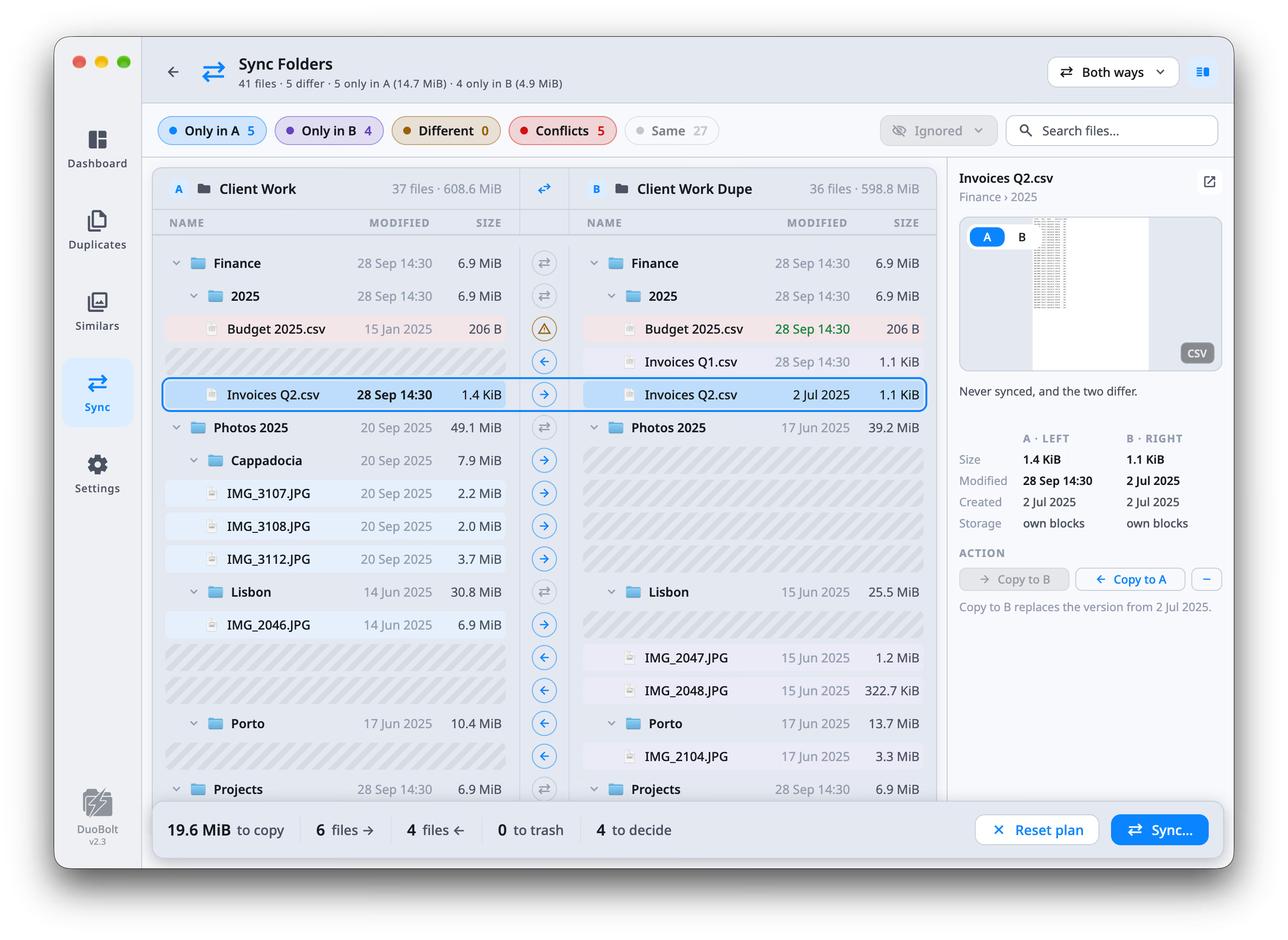



Safety
The same promise on
both sides.
Proven duplicates and ranked similars are different jobs, handled the same way.
Nothing moves until you say so. Every group is laid out with paths, sizes and previews first. DuoBolt never acts on a scan by itself — not on duplicates, not on photos.
Five ways out, and you pick. Move to Trash, move to an Archive folder, copy somewhere else, or delete outright. For exact duplicates on a Mac's APFS drive, a copy can also be replaced with a clone of the one you keep, so both stay and the disk stores it once. Only deleting outright is final, and it says so. A photo from the Photos library goes to Photos' own Recently Deleted.
Everything is written down. Scan history and operations history record what ran and what it touched, so you can restore a file later — or just check what happened last month.
Folders you can’t touch by accident. Mark any folder as protected and its files stop being selectable. The checkbox refuses to tick, rather than warning you afterwards.
On-device AI
Your photos never
leave your machine.
Photo AI usually arrives with an account attached, and often with your library on somebody's servers. DuoBolt ships the models instead — no sign-up, no queue, no upload. It works on a plane.
No account, ever. There is nothing to sign in to, and a license is paid for once.
No upload. Inference runs in-process. The only network calls DuoBolt makes are license checks and the update check.
Telemetry off at startup. And the macOS runtime we ship contains no telemetry code at all — verified by a byte scan on every update.
Duplicate finders and cleaners
Account required · per machine, per year
per year
DuoBolt Pro
Two machines · no account · runs offline
once
Category range for subscription duplicate finders and Mac cleaners. Yours forever, including every 2.x update. Both tiers, in full →
Photographers, developers and NAS owners
Photographers
Bursts and retakes from a shoot land in one group. DuoBolt ranks each group on sharpness, exposure and whether the eyes are open, and tells you why it chose. On the RAW files, not just the exports — and on a Mac, inside the Photos library itself, imports and favorites included.
How culling worksDevelopers
Cloned repos, copied node_modules, build artifacts and old project backups are mostly small files, which is where per-file overhead decides the speed. In our benchmark DuoBolt went through a 394 GiB source tree of 1.69 million files in 38 seconds and grouped what was byte-identical.
How exact matching worksNAS & home server users
Media libraries on a Synology, a QNAP or any network share collect the same movies, photos and music copied from several devices. DuoBolt scans the mounted share from your Mac or PC, installs nothing on the NAS, and skips the snapshot folders that would make every file look duplicated.
See the NAS guide